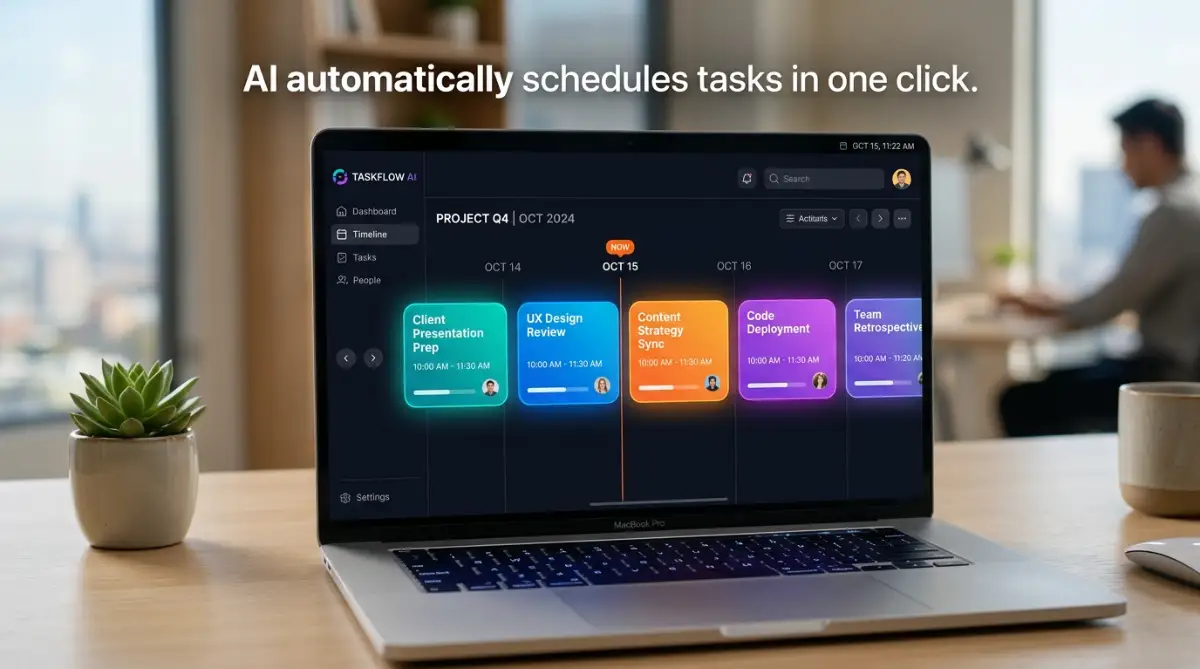
Best AI Project Management Software to Organize Your Remote Team
Managing a remote team across multiple time zones, home offices, and digital channels is one of the most complex challenges facing modern business leaders. While remote work unlocks global talent pools and offers unprecedented lifestyle flexibility for employees, it also creates severe operational friction. Without the physical visibility of a shared office space, team communication frequently gets scattered across endless Slack channels, buried email threads, fragmented Google Docs, and chaotic spreadsheets.
Project managers spend up to 40% of their working hours on tedious administrative "busywork"—manually updating task statuses, chasing team members for progress reports, rescheduling delayed deadlines, and hosting unproductive Zoom status meetings. This constant context switching leads to employee burnout, missed client deliverables, and a complete loss of strategic focus.
This is precisely where AI-powered project management software is revolutionizing the workplace. Artificial intelligence is no longer just a gimmick for generating text; it has evolved into intelligent digital coworkers that automatically schedule tasks, summarize complex meeting transcripts, predict project bottlenecks, and optimize team workloads in real time. Let us explore the best AI project management platforms available today to organize your remote team seamlessly.
I still remember managing a distributed team of twelve developers and creators across four different continents two years ago. I spent my mornings frantically pinging team members on Slack just to ask, "Is this task finished?" and my evenings piecing together manual spreadsheets for stakeholders. One Monday morning, a critical client deliverable slipped through the cracks because a subtask was buried on page three of a long email chain. I felt completely overwhelmed and exhausted. Implementing our first AI-driven project management workspace eliminated 80% of those daily status check-ins within a single week, giving us our time and sanity back.
The Hidden Pain Points of Managing Remote Teams
Understanding why traditional, non-AI management tools fail remote teams requires examining the unique friction points created by distributed work environments:
- Asynchronous Communication Delays: When team members work across opposite time zones, waiting six hours for a simple status update halts progress on dependent tasks.
- Status Report Fatigue: Requiring employees to manually fill out daily timesheets or written status updates interrupts deep focus time, reducing overall output quality.
- Workload Imbalance and Burnout: Managers struggle to gauge actual capacity remotely, resulting in some team members drowning in assignments while others remain underutilized.
- Information Silos: Project files, design briefs, and client feedback get trapped inside separate software tools, making it nearly impossible for remote workers to find clear answers quickly.
How AI Transforms Remote Workflow Management
Modern AI-native project tools move beyond basic task lists by incorporating intelligent automation layer directly into your daily workflow:
Automated time-blocking and scheduling algorithms analyze employee calendar availability, priority deadlines, and working speed to automatically block out focus time and schedule tasks. Furthermore, AI agents listen to remote video calls, record transcripts, extract key decisions, and automatically create assigned trackable tasks inside your project boards.
There is a profound psychological relief that comes with opening your laptop in the morning and seeing an AI assistant that has already prioritized your day. Instead of waking up to thirty unread messages asking who is handling what, your AI platform reshuffles schedules around overnight meetings, flags blocked dependencies, and presents a clean action plan. You stop managing logistics and start actually leading your team.
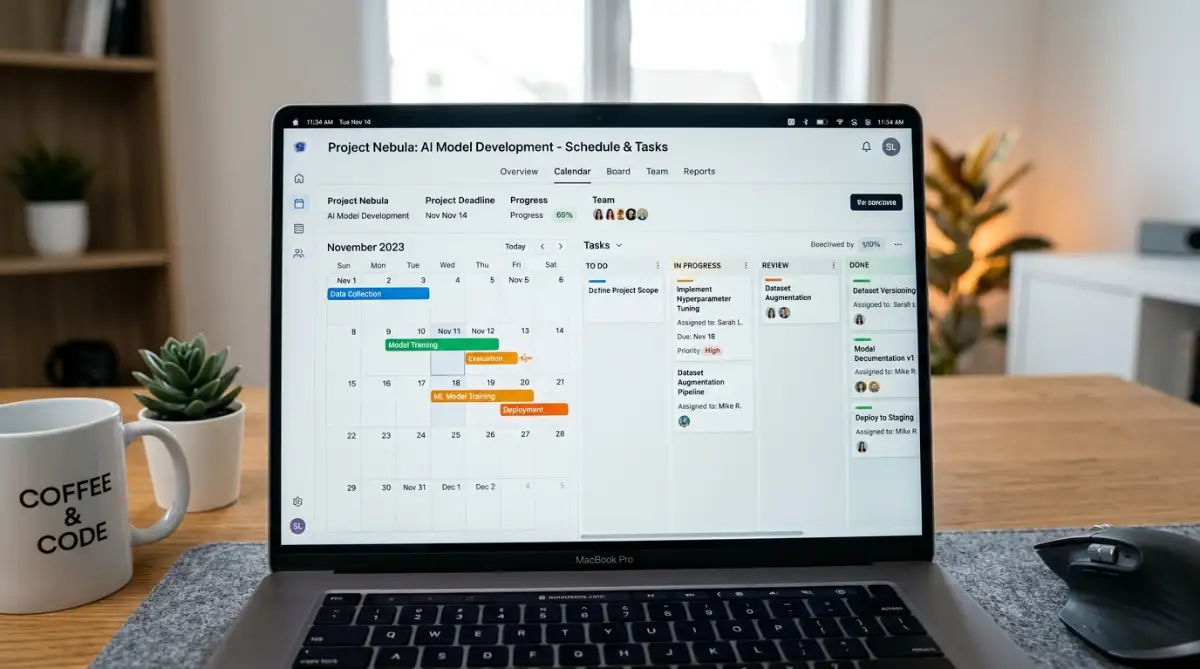
Visual Insight: Testing Top AI Project Management Tools
Watch this detailed, hands-on review to discover which AI project management software platforms actually deliver real execution, reduce manual administrative work, and keep remote teams aligned!
Top 5 AI Project Management Platforms Evaluated
We evaluated dozens of AI work platforms based on automation power, remote collaboration features, user experience, and value. Here are the top 5 software tools for organizing remote teams:
1. ClickUp (ClickUp Brain) — Best All-in-One AI Workspace
ClickUp serves as an "everything app" for work. Its integrated AI layer, ClickUp Brain, connects your tasks, documents, team members, and company knowledge base. Remote employees can ask ClickUp Brain to summarize long project comment threads, generate project briefs from prompts, create automated progress cards, and write status updates instantly.
For more insights on building automated digital workflows or scaling small operations, review our guide on simple digital setup tools.
2. Motion — Best for AI Auto-Scheduling & Time Blocking
Motion acts as an intelligent virtual assistant for your entire team. Using complex algorithms, Motion takes your project tasks, priorities, and deadlines, and automatically builds an optimized daily calendar schedule for every remote worker. If an urgent client meeting pops up, Motion automatically reshuffles your remaining tasks around the calendar without breaking deadlines.
3. Monday.com (Monday AI) — Best for Visual Workflows & AI Agents
Monday.com combines iconic visual Kanban boards, Gantt charts, and custom dashboards with powerful no-code AI automations. Teams can build custom AI agents that run 24/7—parsing incoming emails into board columns, auto-assigning tasks based on team capacity, summarizing customer notes, and triggering multi-app workflows seamlessly.
4. Asana (Asana Intelligence) — Best for Enterprise Goal Alignment
Asana utilizes AI to connect micro-level daily tasks to macro-level company goals. Asana Intelligence provides smart workflow recommendations, identifies project risks early, and automatically generates executive status summaries, making it ideal for scaling remote enterprises.
5. Taskade — Best for Customizable AI Coworkers & Multi-Views
Taskade provides a lightweight, hyper-fast collaborative workspace where custom AI agents live inside your project boards, chats, and video calls. Remote teams can map ideas across list, board, calendar, and mind-map views while instructing AI agents to execute research and draft project charters.
Step-by-Step Blueprint to Roll Out AI Software Safely
Switching your remote team to an AI project platform requires careful planning to maximize adoption and avoid workflow disruption:
Step 1: Audit Current Software Bloat & Bottlenecks: List all active software subscriptions used by your team. Identify redundant tools (e.g., separate time trackers, standalone note apps, independent document suites) that can be consolidated into your new AI platform to reduce monthly SaaS expenses.
Step 2: Clean Up Your Data Architecture First: AI models are only as smart as the data you feed them! Before enabling AI agents, establish clear project naming conventions, standardized task status tags, and organized folder structures so the AI can index your workspace accurately.
My Personal Pro Tip: When rolling out new AI project tools to my team, I always start by cleaning up our folder directory and tagging rules before turning on any automation features. If you are managing multiple personal or business expenses during tech upgrades, reviewing credit health and financial standing tips can keep your borrowing terms strong.
Step 3: Run a 14-Day Pilot Program: Do not force your entire company onto a new platform overnight. Select a single cross-functional team (e.g., your marketing or engineering department) to run a 14-day pilot, test AI automations, refine custom prompts, and address feedback before full deployment.
For additional strategies on managing financial risk and business investment budgets, review our insights on smart loan and borrowing alternatives.

Managing Tech Stack Budgets and Financial Health
Upgrading your remote team's tech stack requires disciplined financial planning to ensure sustainable corporate growth:
1. Maintaining Cash Reserves for Software Upgrades: Investing in enterprise SaaS subscriptions requires steady cash flow buffers. Read our complete guide on building a bulletproof emergency fund fast to construct a corporate cash buffer that keeps your operations funded during seasonal revenue slumps.
2. Streamlining Existing Business Debt & Credit Lines: If you carry high-interest corporate credit cards or personal loans used for initial business funding, learning how to consolidate multiple debts without hurting your credit score helps lower monthly overhead and free up working capital for software upgrades.
3. Avoiding Predatory Financial Borrowing: Taking out rushed, high-fee business loans or credit lines without evaluating terms causes severe financial strain. Review standard personal loan mistakes you must avoid before taking on new debt obligations, and ensure you understand what happens if you miss an EMI payment to safeguard your credit profile during scaling periods.
Reclaiming Human Connection in a Digital World
At the end of the day, artificial intelligence isn't meant to replace human leadership—it is designed to liberate us from repetitive administrative busywork. When AI handles task scheduling, meeting summaries, and status tracking, managers gain back hours of free time every week. That extra time can be invested in mentoring team members, fostering creative innovation, and building meaningful human connections with your remote workforce.
I know how challenging remote coordination can feel, but leveraging the right AI tools changes everything. Empower your team today and bring true clarity back to your daily operations.
Quick Guide: AI Implementation Do's and Don'ts
Frequently Asked Questions on AI Project Management
What is AI project management software?
It is advanced project collaboration software integrated with artificial intelligence features that automate scheduling, transcribe meetings, summarize threads, and predict project risks.
Can AI project tools completely replace project managers?
No, AI automates repetitive administrative busywork and logistics, allowing human project managers to focus on strategic leadership, team mentorship, and client communication.
How do AI scheduling tools like Motion work?
They use dynamic algorithms to evaluate task deadlines, priorities, and individual working capacity, automatically arranging an optimized daily calendar schedule for team members.
Is my company data safe when using AI workspace tools?
Leading enterprise AI platforms enforce strict data privacy standards, ensuring your internal company documents and client data are never used to train public AI models.
How long does it take a remote team to adopt a new AI project tool?
With a structured 14-day pilot program for a single department, most remote teams adapt to core AI features and automations within two to three weeks.
Disclaimer: This article is published exclusively for educational and informational purposes. It does not constitute formal corporate consulting, financial, or software procurement advice. Platform pricing, features, and AI models change periodically. Always review current official vendor documentation prior to purchasing software licenses for your organization.