
Introduction: Reclaiming Your Time with AI Productivity Software
Running a small business is a constant race against the clock. As a founder, independent contractor, or small team leader, you wake up every morning facing an endless mountain of tasks—answering customer emails, scheduling client appointments, drafting social media updates, writing proposals, taking meeting notes, and processing weekly invoices. By the time you finish handling these repetitive administrative chores, your entire workday has slipped away, leaving zero time for strategic business growth.
For years, small business owners accepted this daily struggle as an inevitable cost of entrepreneurship. But today, the rapid evolution of artificial intelligence productivity software is fundamentally changing how small companies operate. Modern artificial intelligence tools act as intelligent digital assistants that automate your routine workflows, triage your inbox, transcribe meetings, manage your calendar, and generate marketing copy in seconds.
By delegating repetitive administrative tasks to smart AI systems, small business owners can reclaim two to three hours every single day. That reclaimed time can be reinvested into closing high-value sales deals, launching new products, or simply enjoying dinner with family without checking work notifications. Let us explore the best AI productivity tools for small businesses and learn how to save hours every day!
A Personal Reflection on the Evening Time Trap
I still remember working fourteen-hour days during the early years of my business. After closing shop at 6:00 PM, I would sit at my home desk for two more exhausting hours manually drafting client email replies, updating calendar slots, and writing social posts for the next morning. I was constantly tired, missing family dinners, and feeling like my business owned me rather than the other way around. Deploying our first AI email assistant and automated meeting summarizer felt like hiring an instant administrative team. Reclaiming those two evening hours every day completely restored my energy and saved my sanity.
Why Traditional Time Management Methods Fall Short
Relying solely on old-school productivity hacks (like static task lists or color-coded paper planners) fails in modern digital business environments:
- Context Switching Fatigue: Jumping between email inboxes, calendar apps, project boards, and chat apps dozens of times an hour destroys deep focus and reduces work quality.
- Email Inbox Overload: Sifting through hundreds of daily emails to spot urgent client requests wastes valuable morning energy.
- Unproductive Meeting Administration: Spending thirty minutes after every video call manually typing out summary notes and emailing action items drains operational momentum.
- Content Creation Writer's Block: Staring at a blank screen trying to draft social media captions or blog headlines wastes hours of creative energy every week.
Core Areas Where AI Reclaims Hours Daily
Smart AI productivity tools integrate directly into your daily operations to eliminate repetitive manual labor:
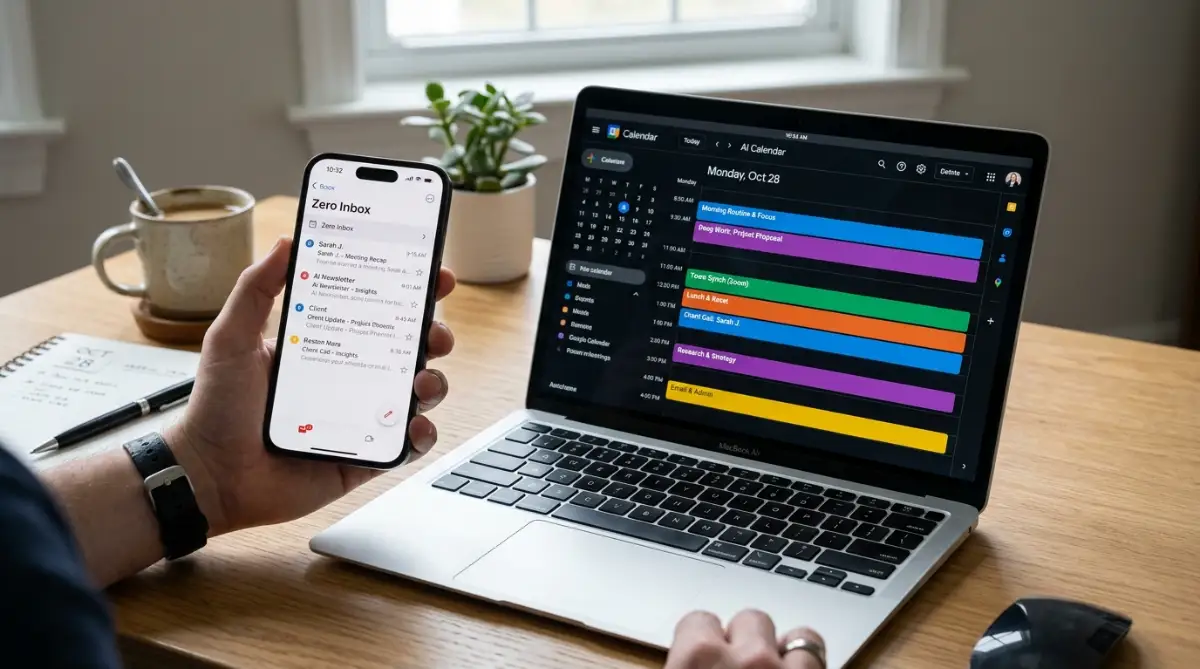
- Smart AI Calendar Scheduling & Time-Blocking: AI scheduling algorithms analyze your meeting habits, automatically blocking out uninterrupted focus time and organizing client calls around your peak energy hours.
- Automated Meeting Transcripts & Action Summaries: AI meeting bots record video calls, summarize key discussion points, and automatically extract assigned tasks directly into your project manager.
- AI Email Triage & Draft Generation: Smart inbox tools categorize incoming emails by urgency, draft contextual replies, and summarize lengthy email threads into bullet points.
- Instant Content & Graphic Design Generation: AI design and writing tools draft blog posts, create social banners, and reformat long videos into short promotional clips in minutes.
There is an incredible sense of freedom that comes with ending your workday on time with a clean inbox, an automatically organized calendar for tomorrow, and transcribed meeting notes sent to clients without staying late. AI productivity tools aren't about replacing human connection—they are about removing mundane digital chores so you can focus on creative work, build meaningful relationships, and live a balanced life.
 Top 5 AI Productivity Tools for Small Businesses
We evaluated leading commercial AI productivity platforms based on time-saving capabilities, ease of integration, reliability, and value. Here are the top 5 tools for small business productivity:
- Reclaim.ai — Best for AI Calendar Auto-Scheduling & Time-Blocking: Reclaim.ai integrates directly with Google Calendar and Outlook, using smart AI to automatically schedule habits, task time-blocks, and lunch breaks around your client meetings. If an urgent call gets booked, Reclaim automatically reshuffles your focus blocks without double-booking your calendar.
- Shortwave — Best for AI Email Triage & Automated Inbox Zero: Shortwave brings generative AI directly into your email workflow. It automatically bundles low-priority newsletters, summarizes long email threads into bullet points, drafts replies in your brand voice, and allows natural language searching across your entire email history.
- Otter.ai — Best for Automated Meeting Summaries & Transcripts: Otter.ai joins your Zoom, Microsoft Teams, or Google Meet calls automatically, recording high-accuracy live transcripts. Otter generates an instant executive summary bulleting key decisions and assigned action items, saving hours of post-meeting administrative work.
- Notion AI — Best for Centralized Team Knowledge & Doc Generation: Notion AI acts as a centralized brain for your small business. It connects your team wikis, project tasks, and client notes, allowing employees to instantly ask questions, generate meeting agendas, draft project plans, and auto-format documents with simple prompts.
- Descript — Best for AI Video Editing & Social Content Creation: Descript revolutionizes video and audio editing by allowing you to edit media like a text document. Delete filler words ("um," "uh") automatically, fix audio mistakes with AI voice cloning, and generate short social media video clips in seconds.
AI Productivity Tool Comparison Matrix
Myth vs. Reality of AI Productivity Software
- Myth: Setting up AI productivity apps takes weeks of complex software engineering and configuration.
- Reality: Most AI time-management tools connect securely to your existing email and calendar in less than two minutes using single sign-on.
- Myth: AI tools make communication sound robotic and impersonal to clients.
- Reality: Modern generative AI models adapt to your personal writing style, producing warm, natural replies that sound authentically human.
My Personal Pro Tip: When I first started experimenting with AI meeting bots and email summarizers, I tried implementing four different apps at the same time, which caused total workflow confusion. My advice to you is to pick just one pain point—like calendar management or email inbox overload—master a single tool for a week, and only then expand your productivity stack.
Visual Insight: Favorite AI Productivity Tools for Small Businesses
Watch this detailed, practical video guide from LaShonda Brown (Bootstrap Biz Advice) to discover top budget-friendly AI productivity tools for small businesses, content creation shortcuts, and workflow automation tips!
Step-by-Step Blueprint: Integrating AI Tools Into Your Day
Adopting AI productivity software does not require an overwhelming technical setup. Follow these five simple steps:
Step 1: Audit Your Weekly Administrative Time Leaks
Track your work tasks for three days. Identify the top two repetitive tasks that drain the most time (e.g., meeting note-taking or email drafting).
Step 2: Automate Calendar Scheduling First
Connect Reclaim.ai or Motion to your primary work calendar. Set your working hours and let the AI automatically protect uninterrupted focus blocks for high-value tasks.
Step 3: Deploy AI Meeting Assistants
Install Otter.ai or Fireflies.ai across your video call platforms. Let the AI bot take meeting notes while you give your full personal attention to the client.
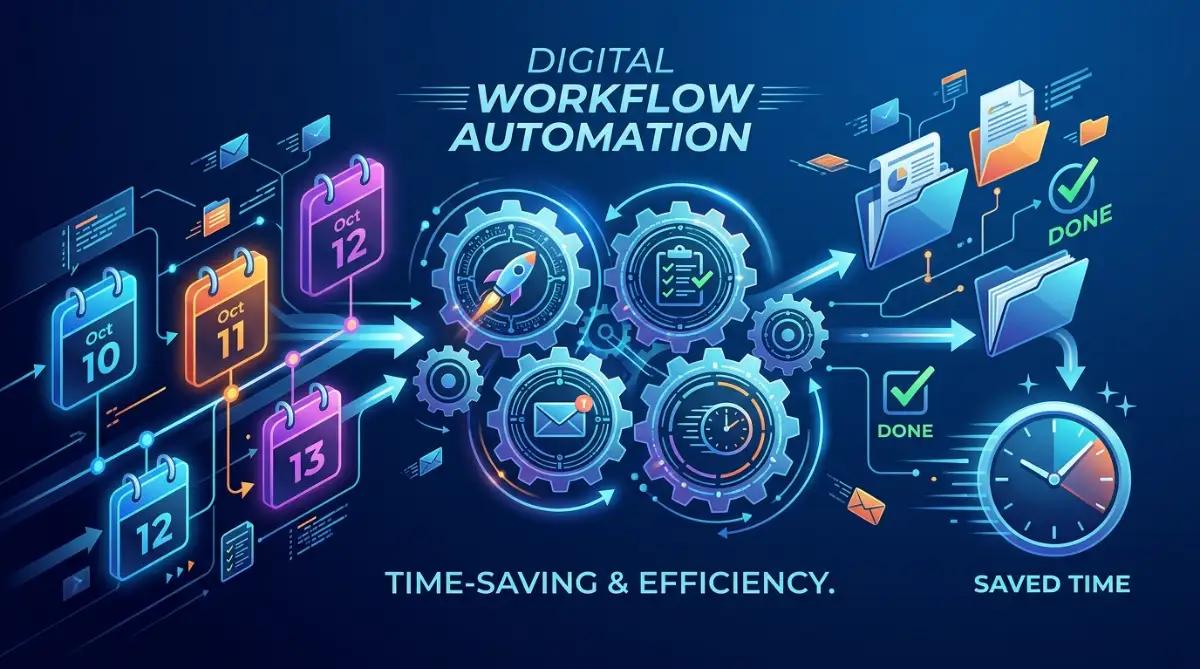
As your small business grows past its initial startup phase, scaling administrative efficiency without adding costly headcount becomes a primary operational advantage. When your calendar management, email triage, and client notes run smoothly in the background, your daily workflow transforms from reactive firefighting into proactive growth. Advanced entrepreneurs establish recurring weekly audits of their software stacks, decommissioning redundant tools and reallocating monthly budgets toward high-ROI marketing or sales applications.
Furthermore, training your team members to adopt a unified AI productivity ecosystem multiplies output across your entire organization. When assistants and project managers use shared AI workspace templates and automated transcription repositories, institutional knowledge remains centralized and easily searchable. This seamless alignment prevents miscommunications, eliminates redundant manual status updates, and ensures everyone stays focused on high-priority client deliverables.
Common Mistakes & Pitfalls to Avoid
While artificial intelligence offers incredible operational leverage, poor adoption habits can diminish your returns. Avoid these common mistakes:
- Subscribing to Too Many Apps at Once: Adopting a dozen different AI productivity tools simultaneously creates software fatigue and ruins daily focus routines.
- Sending Raw, Unchecked AI Responses: Publishing or emailing AI-generated drafts without a quick human review can introduce awkward formatting or context errors.
- Ignoring Data Security and Privacy: Pasting sensitive client records or confidential financial data into unverified public AI models violates privacy norms.
- Failing to Measure Time Savings: Not tracking whether your new AI tools actually save you hours each week leads to wasted subscription spending.
Reclaiming Your Personal Freedom
At the end of the day, using AI productivity tools isn't about working more tasks into a single day—it's about buying back your life. When smart software handles calendar scheduling, meeting notes, and email triage, you gain back hours of free time every single week. You can step away from your desk, spend quality time with loved ones, and build a business that serves your life rather than a job that controls it.
Quick Guide: AI Productivity Do's and Don'ts
Your 7-Day AI Productivity Action Checklist
- Day 1–2: Audit Time Leaks: List the top 3 repetitive administrative tasks draining your daily energy.
- Day 3–4: Connect AI Calendar: Sign up for Reclaim.ai or Motion to automate calendar time-blocking.
- Day 5–6: Deploy AI Meeting Bot: Connect Otter.ai to your video call platform for automated meeting recaps.
- Day 7: Measure Hours Saved: Review saved time, refine your workflow settings, and celebrate your freedom!
Streamlining your small business productivity with artificial intelligence is one of the most high-impact, liberating decisions you can make as an entrepreneur. By automating calendar management, meeting summaries, and email triage, you eliminate operational burnout and build a thriving, efficient business. Take action today and claim your time back!
Looking back at how overwhelmed I felt during my early business years, adopting these automation tools completely transformed my daily routine. I want you to spare yourself those endless late nights of administrative exhaustion by testing just one AI time-saving tool this week. If you ever need advice on organizing your schedule or managing your growth budget, remember that reclaiming your personal time is the smartest investment you can ever make.
Additional Financial & Business Resources
Managing operational tech budgets and corporate cash flow effectively ensures long-term business survival. Explore our approved guides:
- Building liquid cash reserves requires smart planning; read our guide on managing insurance protection and risk buffers to safeguard your assets.
- For small business web development and platform setup strategies, check out this simple configuration overview on easy AI website builders for small businesses.
- If you are balancing personal founder credit lines or securing startup funding, learn how to manage debt efficiently via improving credit scores before corporate applications.
- For alternative educational pathways and affordable upskilling resources for your team, review insights on affordable educational opportunities.
- To evaluate borrowing structures versus bootstrapping, understand funding options through choosing financial loans wisely.
Frequently Asked Questions (FAQs)
Are AI productivity tools expensive for a small business?
Most AI productivity apps offer generous free tiers or low-cost individual plans ranging from $10 to $20 per month, paying for themselves immediately by saving hours of manual labor.
Can AI tools integrate with my existing calendar and email apps?
Yes, tools like Reclaim.ai and Shortwave integrate seamlessly with Google Workspace and Microsoft Outlook within minutes using secure single sign-on.
How secure is my business data when using AI transcription bots?
Reputable AI meeting transcription tools use encrypted cloud protocols and strict data privacy standards that ensure your corporate calls remain confidential.
What is the easiest AI productivity tool to start with?
An AI calendar scheduler like Reclaim.ai or an email assistant like Shortwave are generally the easiest applications to deploy with immediate time-saving benefits.
Do I need technical coding skills to set up AI productivity software?
Not at all! Modern AI productivity apps are designed with plug-and-play interfaces that require zero coding or technical background to configure.
Disclaimer: This article is published exclusively for educational and informational purposes. It does not constitute formal software procurement, corporate consulting, or legal advice. Software pricing tiers, API features, and AI platform capabilities change periodically. Always review current official vendor documentation prior to purchasing software licenses for your company