
How Losing My Biggest Client Taught Me a Harsh CRM Lesson
I remember staring at my email inbox two years ago, feeling an incredibly heavy sinking sensation in my chest. My most profitable client had just canceled their contract because I forgot to follow up on a major project request. My entire business was running on messy spreadsheets, random sticky notes, and a chaotic email folder.
Every single morning, I spent hours just trying to remember who I was supposed to call and what we discussed last. I was completely drowning in unorganized data, and my customer service was suffering terribly as a result.
I felt like I was constantly dropping the ball and disappointing the people who trusted me. The physical stress of trying to memorize every client detail was giving me terrible headaches and ruining my weekends.
I was working fourteen hours a day, yet my overall revenue was actually shrinking. That painful client loss was a massive wake-up call that my manual tracking system was completely broken.
I finally realized that investing in a Customer Relationship Management (CRM) system was not an optional luxury. It was an absolute necessity if I wanted to save my reputation and protect my mental health.
I spent the next few months researching and testing dozens of different platforms to fix my broken operations. Today, I want to share the exact strategies that helped me organize my contacts, automate my follow-ups, and double my sales.
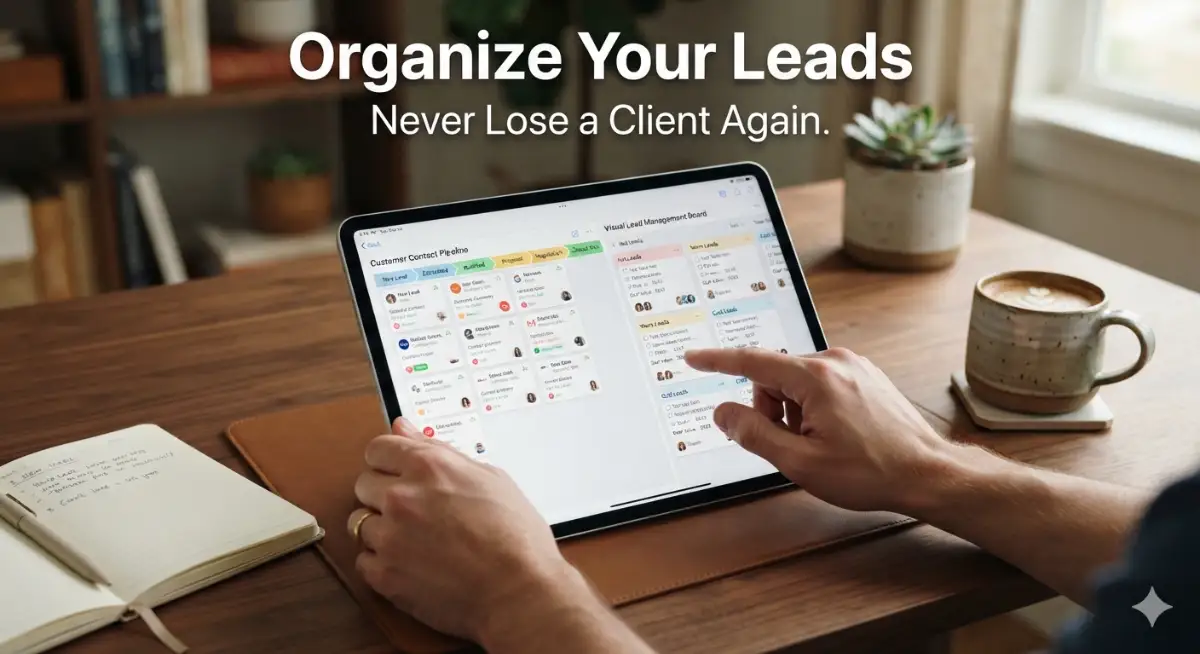
Your Step-by-Step Guide to Picking the Perfect CRM
Selecting a new software platform can feel incredibly overwhelming when every single company claims to be the absolute best. You cannot just pick a random popular brand and expect it to perfectly match your specific business model.
You need to find a tool that actually makes your daily life easier instead of adding complicated administrative work. A good CRM acts as a centralized brain for your company, holding every important conversation and customer detail securely.
If you are serious about scaling your operations this year, you need a highly strategic approach to buying software. Let us break down the exact steps you need to take to find the perfect fit for your growing team.
Step 1: Identify Your Biggest Business Bottlenecks
Before you ever look at a software pricing page, you have to clearly define what problems you are trying to solve. Are your salespeople forgetting to follow up with hot leads, or is your marketing team struggling to send newsletters?
Sit down with a blank piece of paper and write out the most frustrating parts of your daily customer journey. If your main issue is managing remote workers, finding the best AI project management software to organize your remote team is just as important as a CRM.
Knowing your exact pain points helps you ignore flashy marketing features that you do not actually need. You should only pay for solutions that directly fix your current operational bottlenecks.
Step 2: Check for Seamless Third-Party Integrations
Your new CRM cannot exist on an isolated island; it has to communicate perfectly with the tools you already use. If it does not connect to your current email provider or accounting software, you will waste hours doing manual data entry.
Always check the platform's app directory to ensure it integrates natively with Gmail, Outlook, QuickBooks, or your team chat applications. When your software ecosystem is fully connected, customer information updates automatically across all your departments.
This level of connectivity is exactly why modern companies seek the top AI automation software for smart modern entrepreneurs. Smooth integrations completely eliminate boring, repetitive administrative tasks and save you money.
Step 3: Evaluate User-Friendliness and Adoption
The most powerful CRM in the world is completely useless if your team refuses to log in and use it. Complicated interfaces quickly frustrate employees, causing them to secretly revert back to their old, messy spreadsheets.
Always sign up for a free trial and ask your least tech-savvy employee to navigate the dashboard. If they cannot figure out how to add a new contact within five minutes, the software is too complicated.
High user adoption is the only way a CRM will ever generate a positive return on investment. Keep the interface clean, simple, and highly intuitive for everyday use.
Step 4: Prioritize Mobile Accessibility
Small business owners are rarely tied to a desktop computer for eight straight hours a day. You are likely taking client calls from your car, visiting job sites, or managing emergencies from a coffee shop.
Your chosen CRM must have a highly functional mobile application that works flawlessly on your smartphone. You need the ability to pull up a client's purchase history instantly while you are on the move.
If the mobile app is slow or missing key features, your out-of-office productivity will suffer greatly. Mobile-first business tools are now the standard expectation for modern, successful sales teams.
Step 5: Review Customer Support and Training
Even the simplest software will eventually throw a confusing error code or require a technical fix. When your entire sales pipeline is frozen, you cannot afford to wait three days for an email response from customer service.
Look for companies that offer live chat support, dedicated onboarding specialists, and an extensive video training library. Good support ensures that small technical glitches do not turn into massive business disasters.
Protecting your client data is also a major part of this process. Integrating tools to protect your small business data with easy AI security tools ensures your CRM remains safe from outside threats.
Watch the Ultimate CRM Buying Guide
Sometimes reading a list of features is not enough to truly grasp how these platforms function in real life. Watching a live demonstration can instantly clarify which dashboard makes the most logical sense to you.
Watch this comprehensive video guide below to see exactly how to evaluate CRM software like a true professional:
Top CRM Platforms Comparison Overview
Here is a clear, highly scannable breakdown of the most popular platforms designed specifically for small businesses. Always consider your specific budget and primary sales goal before making a final purchasing decision.
Myth vs Reality: CRM Software
- Myth: CRM software is only necessary for massive corporations with hundreds of salespeople.
- Reality: Even solo entrepreneurs need a CRM to track client conversations and prevent important follow-ups from slipping through the cracks.
- Myth: Implementing a new CRM will require hiring an expensive IT consultant.
- Reality: Modern platforms are designed specifically for normal business owners and feature highly intuitive, simple setup wizards.
- Myth: Once you buy the software, your sales will automatically double overnight.
- Reality: Software is just a tool; it requires human discipline, clean data entry, and a solid sales strategy to produce actual results.
My Personal Pro Tip:
I always advise new business owners to strictly limit custom fields during their first month of using a CRM. I originally created twenty different required fields for every new contact, and it completely destroyed my team's motivation to log data. Start with just a name, email, and phone number, and only add new fields when absolutely necessary!
Advanced CRM Strategies for Long-Term Scaling
Purchasing a premium subscription is only the first ten percent of the battle for business growth. If you just dump all your old spreadsheets into a new dashboard without a plan, you will create an expensive digital mess.
To ensure long-term success, you must implement highly structured data protocols and advanced workflow strategies. Let me share some operational secrets that helped my team maximize our software investment completely.
First, you must establish absolute strict rules regarding data cleanliness and entry consistency. A CRM is only as intelligent as the information your team physically types into it on a daily basis.
If half your team enters "California" and the other half enters "CA," your geographical reporting will be completely ruined. You must create standard operating procedures that dictate exactly how addresses, phone numbers, and job titles are formatted.
Dirty data leads to embarrassing mistakes, like sending a promotional email starting with "Hello [First Name]." Maintaining clean databases is one of the best AI business solutions to grow your startup fast and look highly professional.
Next, you need to map out your exact customer journey before you build your digital sales pipeline. Do not just use the default pipeline stages that come pre-installed in the software.
Your pipeline should reflect the specific steps your buyers actually take, from initial contact to final signed contract. Clearly defining stages like "Demo Completed" or "Proposal Sent" ensures your salespeople always know the next logical step.
Leading sales experts consistently state that a well-defined sales process drastically shortens the overall sales cycle. Precision is the key to converting cold leads into loyal, paying customers.
Another massive strategy is leveraging native automation features to eliminate annoying administrative busywork. Almost every top tool allows you to set up basic conditional logic rules to save time.
For instance, when a deal is moved to the "Won" column, the software should automatically send a welcome email to the client. It should also automatically notify your accounting team to generate the first invoice immediately.
This completely removes the need for human managers to constantly chase people and ask them to move projects forward. To enhance this further, you can integrate systems that boost your small business productivity with simple AI tools without hiring extra staff.
Finally, you must run regular audits on your system to clear out dead leads and outdated information. Holding onto thousands of unresponsive contacts just clutters your dashboard and skews your conversion analytics.
Schedule a quarterly "spring cleaning" day where your team deletes duplicate profiles and archives lost deals. A lean, accurate database allows you to focus all your energy purely on the people who actually want to buy from you.
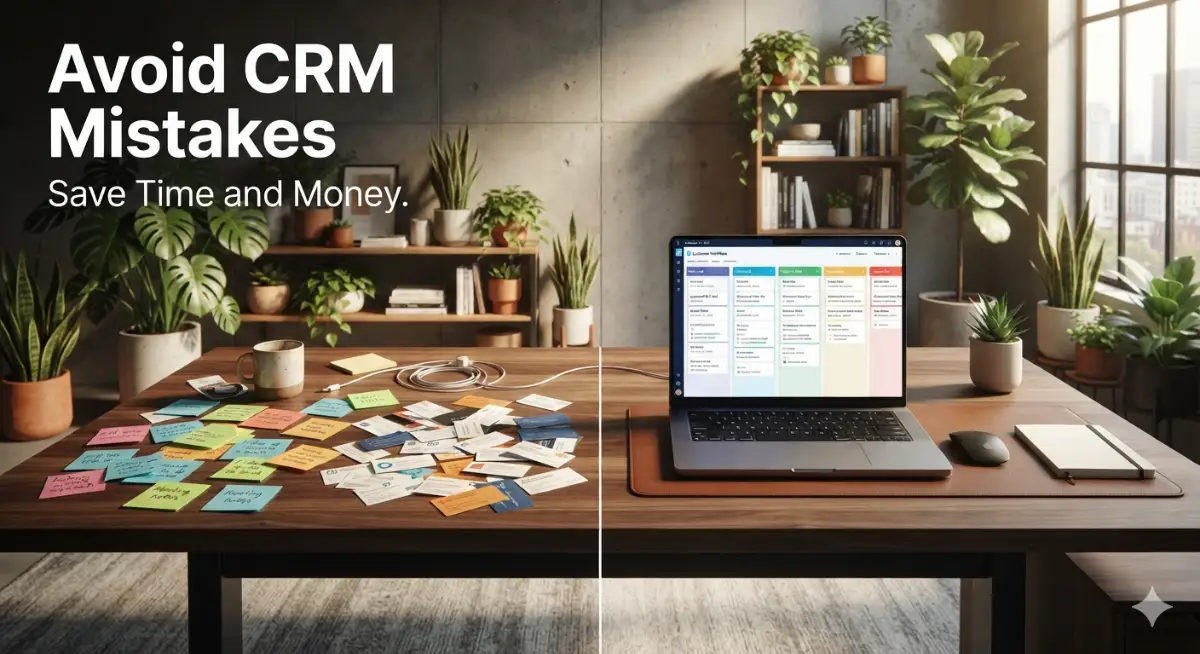
Costly CRM Implementation Mistakes You Must Avoid
I have made plenty of embarrassing and incredibly expensive mistakes while trying to organize my company's sales data. Some of these errors cost me thousands of dollars in lost productivity and caused severe frustration among my best employees.
My absolute biggest blunder was falling victim to the feature greed trap during my first software purchase. I bought the most expensive, complex enterprise tier available because I thought having hundreds of features would make my company look professional.
I was paying for advanced predictive forecasting and complex API routing that my tiny business had absolutely no use for. The interface was so overwhelming that my team was terrified to even log into the system.
I wasted thousands of dollars on a bloated system before swallowing my pride and downgrading to a simpler, cheaper plan. I learned the hard way that you should only buy the features you need right now, and upgrade later when your revenue justifies it.
Another terrible mistake I made was completely ignoring the onboarding and training process for my employees. I simply sent them a login link on a Monday morning and expected them to figure out the software entirely on their own.
Because they lacked proper training, they started using the software incorrectly, creating duplicate records and deleting important client notes. Fixing that massive data mess took weeks of tedious manual correction and caused a lot of workplace tension.
You must actively block out paid company time to train your staff on exactly how you want the system used. Providing high-quality training is a major step in preventing employee turnover and maintaining high morale.
I also deeply regret refusing to invest in proper data migration when transitioning from my old spreadsheets. I tried to copy and paste hundreds of contacts manually to save a few dollars on setup fees.
I ended up mapping columns incorrectly, which resulted in phone numbers being saved in email address fields across the entire database. If you have years of client data, pay for professional migration services to ensure everything transfers safely and perfectly.
Embracing a Highly Organized Business Future
Transforming your small business from a chaotic mess of sticky notes into a highly synchronized sales machine takes real dedication. You do not need to have a perfect, flawless automated database on day one of your software journey.
Start by simply moving your most important active clients out of your email inbox and into a structured digital pipeline. Once your team experiences the sheer relief of having all customer history in one place, they will eagerly adopt the rest of the system.
I genuinely hope my past failures and current strategies help you design a daily workflow that brings you total peace of mind. I can confidently say that taking the time to master my CRM completely saved my business and protected my personal health!
Frequently Asked Questions
What is the easiest CRM software for a total beginner?
HubSpot CRM is widely considered the most beginner-friendly platform due to its highly visual, intuitive interface and generous free tier. You can set up a basic sales pipeline in under ten minutes without reading any complex technical manuals. It is perfect for entrepreneurs transitioning away from basic Excel spreadsheets.
How much should a small business expect to spend on a CRM?
Most premium platforms charge on a per-user, per-month basis, typically ranging from $15 to $40 per employee. A small team of five people should expect to invest roughly $75 to $200 monthly for a robust management solution. The massive amount of time saved and deals closed easily covers this operational cost.
Is it safe to store sensitive client data in cloud software?
Yes, reputable enterprise platforms utilize bank-level encryption and strict compliance certifications to protect your customer data effectively. However, you should always enforce strong passwords and require two-factor authentication (2FA) for all your employees. Regular external backups of your critical databases are also highly recommended.
Can a CRM integrate with my current email provider?
Absolutely. The best modern CRM tools feature native integrations with popular platforms like Gmail, Outlook, and Office 365. This allows the software to automatically log incoming and outgoing emails directly into the specific customer's profile history.
How do I convince my sales team to actually use the new software?
The secret to high adoption rates is leading by example and completely stopping all work-related requests via private chat. If an employee asks you about a client, politely ask them to check the CRM notes instead. Once they realize that actual commission tracking only happens inside the platform, they will adapt quickly.
Do I need to hire an expert to set up my sales pipeline?
While large corporations often hire consultants to build highly complex automated workflows, small businesses absolutely do not need to. Almost all of these tools provide extensive libraries of free, pre-built templates for real estate, marketing, and retail sales. You can simply download a template and customize it as your revenue grows.
Category Disclaimer:
The information provided in this article is for educational and general operational purposes only. Software features, subscription pricing, and digital security standards are subject to rapid change. Always verify current tool capabilities and consult with an IT professional regarding your company's specific data security requirements.