How Tedious Editing Almost Destroyed My YouTube Dreams
I remember staring at my computer screen at 3:00 AM, my eyes burning terribly from pure exhaustion. I had been trying to manually cut out silent pauses and "umm s" from a simple ten-minute vlog for over four hours. The traditional video editor I was using kept crashing, and I lost half of my unsaved timeline progress.
Every single week, my passion for creating content was being completely crushed under the heavy weight of tedious, technical editing. I felt absolutely defeated watching other creators upload high-quality videos every single day while I struggled to post just once a month. My audience engagement was dropping, and I felt like I was running on a digital treadmill that never stopped.
I was sacrificing my weekends and missing family events just to color correct footage and manually type out video subtitles. The breaking point arrived when I missed a massive, high-paying sponsorship opportunity because my video simply took too long to edit.
That painful financial loss was a massive wake-up call that my manual production process was entirely broken. I realized that struggling with traditional editing timelines was not a badge of honor, but a fast track to severe creative burnout.
I needed software that could handle the boring, repetitive tasks so I could focus purely on storytelling and recording. That terrifying realization pushed me to explore artificial intelligence to save my sinking channel. I spent the next six months researching and testing dozens of different automated platforms to fix my broken publishing schedule.
I discovered that embracing modern tools allowed me to scale my output without sacrificing my unique personal style. Today, I want to share the exact strategies and platforms that completely rescued my channel, my sanity, and my free time. Let us explore the absolute best AI video editing software for beginners and creators available today.
Your Guide to the Ultimate AI Editing Arsenal
Choosing new video software can feel incredibly overwhelming when every single company claims to be the absolute fastest on the market. You cannot just pick a random popular tool and expect it to magically edit perfect cinematic masterpieces for you.
You need to find a platform that actually makes your daily workflow smoother instead of adding complicated rendering errors. A good automated editor acts as an invisible assistant, cleaning up your mistakes and enhancing your best moments instantly.
If you are serious about scaling your channel this year, you need a highly strategic approach to post-production. Let us break down the exact software options you need to build a profitable, highly efficient content machine.
1. Descript: The Text-Based Editing Revolutionary
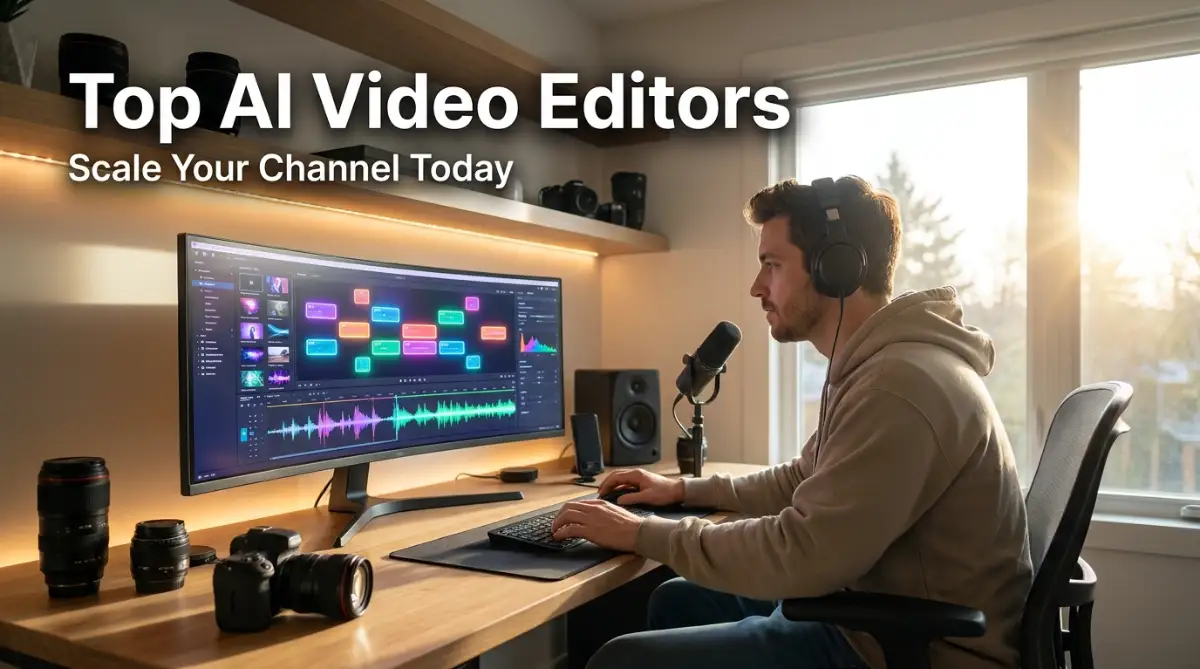
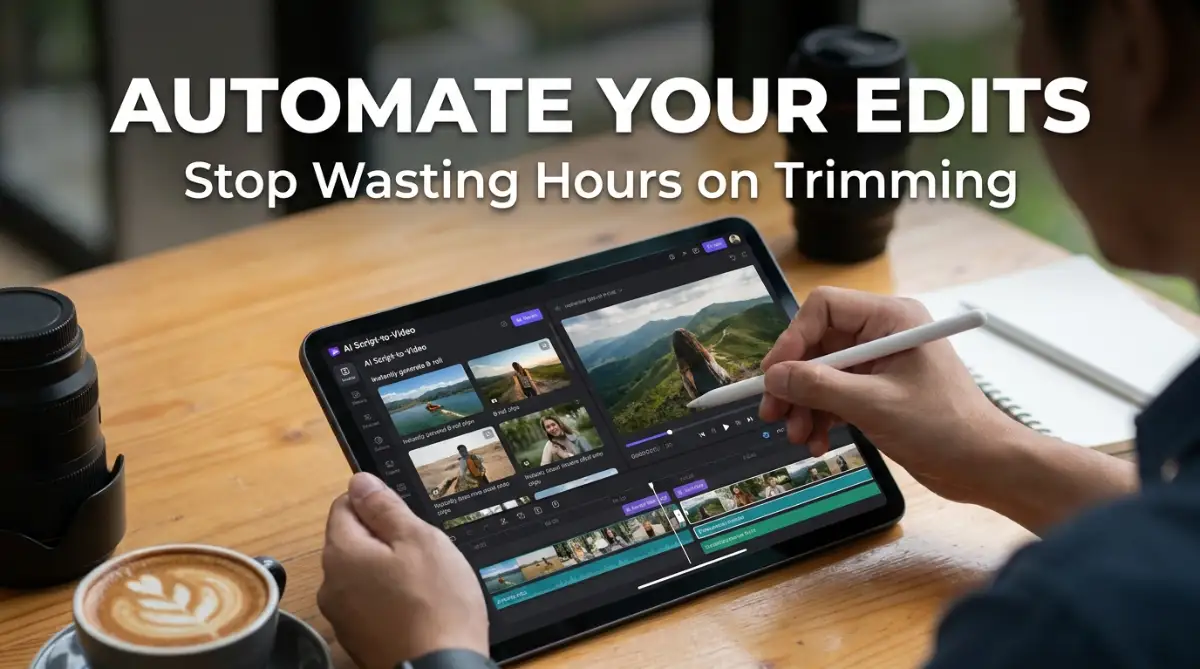
When it comes to editing talking-head videos and podcasts, Descript has completely revolutionized the entire creator industry. Instead of chopping up a complex visual timeline, Descript transcribes your entire video into a simple text document.
If you want to delete a sentence from your video, you simply highlight the text and press the backspace key. The software automatically cuts the corresponding video footage seamlessly, making editing as easy as writing a Word document.
It also features a brilliant "Remove Filler Words" button that instantly deletes every "um" and "uh" with a single click. This specific feature saves me at least three hours of tedious manual cutting every single week.
If you are managing a remote team of video editors, finding the best AI project management software to organize your remote team pairs perfectly with Descript's collaboration features. It allows multiple people to leave comments directly on the video transcript in real time.
2. Opus Clip: The Short-Form Viral Machine
Creating short-form content for TikTok, Instagram Reels, and YouTube Shorts is absolutely mandatory for growing an audience today. However, manually scrubbing through a two-hour podcast to find a viral sixty-second clip is incredibly boring and time-consuming.
Opus Clip solves this problem by using artificial intelligence to analyze your long-form videos automatically. You simply paste your YouTube link, and the software generates ten highly engaging, viral-ready short clips instantly.
It automatically adds dynamic, colorful captions, tracks the speaker's face to keep them centered, and adds an engaging hook title. According to social media experts, auto-captioned videos retain viewers significantly longer than silent videos.
This tool is an absolute revenue-generating machine for podcasters and educators who want to multiply their content output. Utilizing the top AI automation software for smart modern entrepreneurs keeps your social channels fully stocked with fresh content.
3. CapCut Desktop: The All-in-One Powerhouse
CapCut started as a simple mobile app, but its desktop version has become a massive threat to traditional, expensive editing software. It provides an incredibly intuitive interface packed heavily with advanced artificial intelligence features.
You can remove complex video backgrounds automatically without using a physical green screen, saving you money on studio equipment. It also offers automated audio noise reduction, instantly cleaning up terrible background wind or loud air conditioning hums.
The sheer amount of free, built-in transitions, text templates, and trending sound effects is completely unmatched in the industry. It is the perfect bridge for beginners who want professional results without learning overly complex color grading theories.
If you run a small business, you can use CapCut to create quick promotional ads for your products. You can also explore how to boost your small business productivity with simple AI tools to speed up your marketing efforts.
4. Premiere Pro (AI Features): The Industry Standard
Adobe Premiere Pro remains the absolute industry standard for professional filmmakers, but they have heavily integrated smart automation recently. Their new Text-Based Editing feature rivals Descript, allowing professionals to rough-cut their films incredibly fast.
The "Auto Color" button uses advanced machine learning to instantly balance your exposure and fix terrible lighting mistakes. This is a massive lifesaver if you accidentally filmed your outdoor vlog with the wrong camera settings.
They also introduced "Enhance Speech," which makes a cheap twenty-dollar microphone sound like a professional studio setup instantly. While Premiere Pro has a steeper learning curve, it remains the most powerful choice for highly cinematic creators.
Protecting your massive project files and raw footage is highly important when working with enterprise software. Integrating modern methods to protect your small business data with easy AI security tools ensures your hard work is never lost to hackers or crashes.
5. Runway ML: The Magic Visual Effects Studio
If you want to add mind-blowing visual effects to your videos without spending years learning complex animation, Runway is incredible. It is a web-based platform that brings Hollywood-level special effects directly to your internet browser.
Their "Gen-2" feature allows you to type a simple text prompt and generate entirely new video footage from scratch. You can also use their "Inpainting" tool to instantly erase unwanted objects or photobombers from your moving video clips.
It is heavily used by music video directors, abstract artists, and highly creative commercial producers. Runway completely removes the technical barriers of visual effects, allowing your pure imagination to dictate the final product.
Finding the best AI business solutions to grow your startup fast heavily relies on producing visually stunning marketing materials. Runway ensures your brand always looks like it has a massive production budget.
Watch the Editing Software Comparison in Action
Sometimes reading about a platform is not enough to truly grasp how its interface feels during a busy editing session. Seeing a live walkthrough can instantly clarify which timeline makes the most logical sense to your brain.
Watch this comprehensive visual guide below to see exactly how these powerful video tools operate in real time:
Top Editing Platforms Comparison Overview
Here is a clear, highly scannable breakdown of the tools we just covered to help you choose quickly. Always consider your specific budget and primary content goal before making a final purchasing decision.
Myth vs Reality: Automated Video Editing
- Myth: Using artificial intelligence means your videos will look completely fake and robotic to viewers.
- Reality: Modern software only automates the boring technical cuts; you still maintain complete control over the creative storytelling and pacing.
- Myth: You have to buy a massive, expensive computer to run these advanced editing programs.
- Reality: Many tools like Runway and Opus Clip run entirely in the cloud, meaning they work perfectly on older, slower laptops.
- Myth: Automated editing will completely replace the need for human video editors entirely.
- Reality: Software handles the tedious sorting and cutting, allowing human editors to focus purely on complex emotional narratives.
My Personal Pro Tip:
I always run my raw audio through a dedicated AI voice enhancer before I even import the video into my timeline. Getting the audio perfectly crisp and clean first completely changes how I perceive the pacing of the video. This simple micro-habit completely eliminated my fear of recording in slightly noisy environments!
Advanced Strategies for Scaling Your YouTube Channel
Purchasing a premium software subscription is only the first ten percent of the battle for audience growth. If you just generate raw, unedited clips and post them without a strategy, you will create an expensive digital mess.
To ensure long-term success, you must implement highly structured media management protocols and advanced workflow strategies. Let me share some operational secrets that helped my team maximize our software investment completely.
First, you must establish absolute strict rules regarding file organization and cloud storage backups. A smart editing system is entirely useless if you constantly lose your raw footage on messy SD cards.
You must create standard operating procedures that dictate exactly how folders are named, dated, and stored externally. I use a strict folder structure divided by project name, audio files, raw footage, and final exported renders.
Next, you need to use predictive tools to analyze your audience retention graphs before you edit your next video. Look at your YouTube analytics to see exactly where people are getting bored and clicking away from your content.
If you notice a massive drop off during your long, unscripted introductions, you know you need to cut them shorter. Advanced editors use these exact data points to inform their creative pacing and transition choices.
Leading video strategists consistently state that audience retention dictates overall channel success. A well-edited video that respects the viewer's time will always outrank a boring, drawn-out vlog.
Another massive strategy is leveraging automation to completely eliminate the dreadful blank page syndrome. Do not waste your valuable creative energy manually transcribing videos to write your YouTube descriptions and tags.
You can use software to take your final video transcript and instantly generate engaging SEO titles and social media posts. Clearly defining these content workflows ensures your brand stays visible across multiple platforms without exhausting your team.
You must also focus on A/B testing your thumbnails and video hooks continuously. Never assume that your first edited thirty seconds is the absolute best version of the story.
Use your software to quickly cut three different introductory hooks and ask your community which one grabs their attention. Letting raw audience data dictate your final editing decisions is exactly how ambitious creators scale rapidly.
Finally, always perform a strict manual review of your automated captions before you hit the publish button. Machines are incredibly smart, but they constantly misspell unique brand names, local locations, or complex technical terms.
If your captions contain massive spelling errors, your brand will look highly unprofessional to deaf or hard-of-hearing viewers. A quick five-minute manual verification process protects your channel's reputation entirely for the long term.
Costly Production Mistakes You Must Avoid
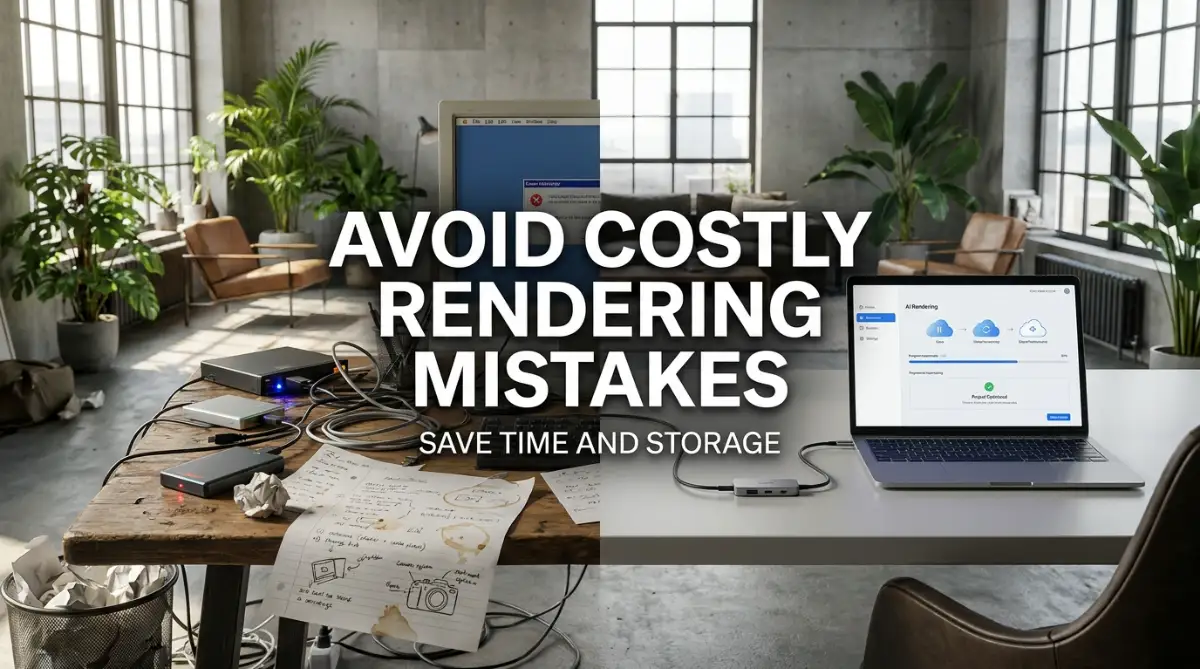
I have made plenty of embarrassing and incredibly expensive mistakes while trying to automate my company's video production. Some of these errors cost me thousands of dollars in lost advertising revenue and caused severe frustration among my loyal subscribers.
My absolute biggest blunder was falling victim to the over-editing trap during my first month of using new software. I was so amazed by the auto-zoom and automatic transition features that I used them on every single sentence.
My final video looked like a chaotic, nausea-inducing mess that completely distracted from the actual educational message. I learned the hard way that just because a software can add a flashy effect, does not mean you should use it.
Another terrible mistake I made was trusting an automated tool to completely clean up my badly recorded, distorted audio. I filmed an entire podcast next to a busy highway, assuming the software would magically fix the terrible background noise.
The resulting audio sounded like two robots talking underwater, and the episode was completely unwatchable. Fixing that massive audio mess was impossible, and I had to throw away three hours of incredibly valuable interview footage.
You must actively focus on capturing clean, high-quality audio and well-lit video directly inside your physical camera. Software is designed to enhance good footage, not magically rescue completely broken, unusable media.
I also deeply regret relying entirely on automated background music generators when my channel first started gathering momentum. I used a cheap software to generate a generic background track, which resulted in a massive copyright strike from YouTube.
My video was completely demonetized, and I lost hundreds of dollars in guaranteed ad revenue overnight. If your business relies on video income, you must pay for a legitimate royalty-free music library to protect your channel.
Industry leaders consistently warn that failing to respect digital copyright laws is the fastest way to lose your business. Treating your audio selection carefully is the key to scaling your channel safely without legal stress.
Embracing a Smarter Creative Future
Transforming your video production from a chaotic, exhausting manual chore into a highly synchronized creative machine takes real dedication. You do not need to have a perfect, flawless automated workflow on day one of your software journey.
Start by simply automating your basic transcription and silence removal to ensure your rough cuts are finished faster. Once you experience the sheer relief of having your background tasks handled automatically, you will eagerly adopt the rest of the system.
I genuinely hope my past failures and current strategies help you design a daily editing workflow that brings you total peace of mind. I can confidently say that taking the time to master these advanced tools completely saved my channel and protected my personal health!
Frequently Asked Questions
What is the easiest video editing software for a total beginner?
CapCut Desktop and Descript are widely considered the most beginner-friendly platforms due to their highly visual, intuitive interfaces. You can set up a basic vlog timeline in under twenty minutes without reading complex technical manuals. They are perfect for solo creators transitioning away from basic mobile phone editors.
How much should a new YouTuber expect to spend on software?
Most premium creator platforms charge on a flat monthly basis, typically ranging from $10 to $25 for a standard plan. A growing channel should expect to invest roughly $150 to $300 annually for a robust production solution. The massive amount of time saved and extra videos published easily covers this operational cost.
Can a machine edit a video exactly like a real human?
No, modern software cannot perfectly replicate human comedic timing, emotional pauses, or deep storytelling nuance. You must provide the software with excellent raw footage and command it to follow your specific pacing rules. However, you should always perform a final manual edit to ensure the emotion feels genuine.
Will automated software ruin my computer's processing speed?
Not necessarily. Many top-tier platforms like Runway ML and Opus Clip operate entirely in the cloud using their own massive servers. This actually frees up your personal computer's processing power, allowing you to edit complex videos on older laptops without crashing.
How do I stop procrastinating on editing my first long-form video?
The secret to high consistency is scheduling a strict, non-negotiable editing block every single week. Block out sixty minutes on your calendar every Tuesday morning to just organize your footage and create a rough cut. Once you realize that actual creative peace comes from small actions, you will stop fearing the timeline.
Category Disclaimer: The information provided in this article is for educational and general informational purposes only. It does not constitute formal business or legal copyright advice. Software features and subscription pricing are subject to rapid change. Always verify current tool capabilities before updating your digital production strategy.