Why Upgrading My Desk Setup Changed Everything
I remember staring at my home office desk a few years ago and feeling completely overwhelmed. My daily workspace had become a frustrating mess of tangled wires and slow, outdated devices.
Instead of starting my mornings with energy, I was spending 20 minutes just trying to get my screens to connect. I felt like I was constantly fighting with my own equipment.
The worst part was the physical toll it took on my body and my daily focus. My neck ached from staring at poorly positioned monitors, and my brain felt foggy from endless tech distractions.
I kept thinking there had to be a better way to manage my digital life. Other people seemed to have these perfectly clean, highly efficient setups that I could only dream about.
The breaking point came when a cheap hard drive failed during a massive client project. I lost hours of hard work, and the financial damage was a major wake-up call for me.
That expensive disaster forced me to completely rethink how I approached my daily tech gear. I finally realized that investing in modern tools wasn't a luxury, but an absolute necessity for my sanity.
Building the Ultimate Tech Arsenal
Creating a workspace that actively helps you get things done requires a solid strategy. You cannot just buy random devices and expect them to magically improve your daily workflow.
I spent months testing different devices to see what actually works and what is just marketing hype. Today, I want to show you exactly how to build a reliable ecosystem from scratch.
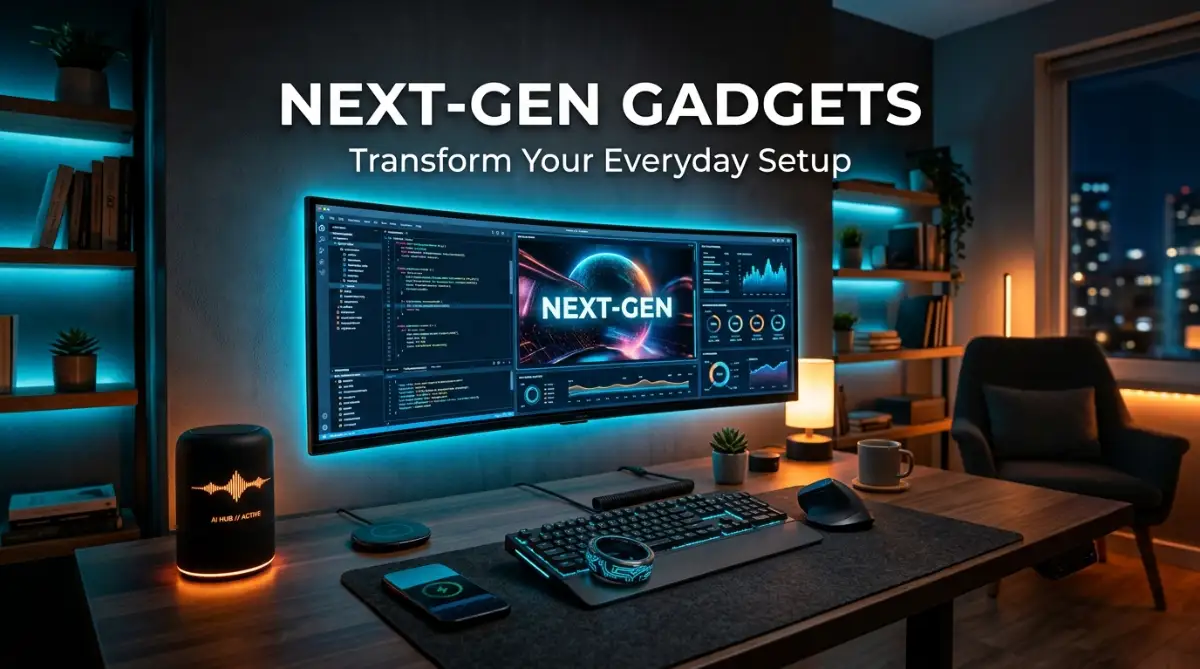
If you are wondering where to begin, I suggest starting with the core tools you touch every single day. Let us break down the exact next-gen gadgets worth adding to your everyday setup right now.
Step 1: Upgrade to AI-Powered Smart Hubs
The days of manually controlling your office lighting and temperature are long gone. An AI-powered smart hub acts as the brain for your entire room.
These devices learn your routine over time and adjust your environment automatically. For example, my hub dims the lights and turns on focus music the moment I sit down to write.
If you are starting a new digital business alongside your workspace upgrade, getting your tech right is critical. You might even find that managing your new hub is as seamless as using easy AI website builders for small businesses to establish your online presence.
Step 2: Invest in Next-Gen Wearables
Smartwatches are great, but next-gen wearables like smart rings offer advanced recovery data without the bulky screen. I wear one constantly to track my sleep quality and daily stress levels.
Knowing my energy levels before I start working helps me plan my hardest tasks for the morning. Discreet health trackers are rapidly becoming the standard for busy professionals who want performance data without distractions.
See It In Action: My Complete Workspace Walkthrough
If you are a visual learner, you definitely need to see how these elements come together in a real-world scenario. Check out this comprehensive video guide showcasing a top-tier desk setup to get inspired for your own workspace transformation.
Watch the complete workspace walkthrough below to see these gadgets in action:
Step 3: Switch to Ergonomic Productivity Peripherals
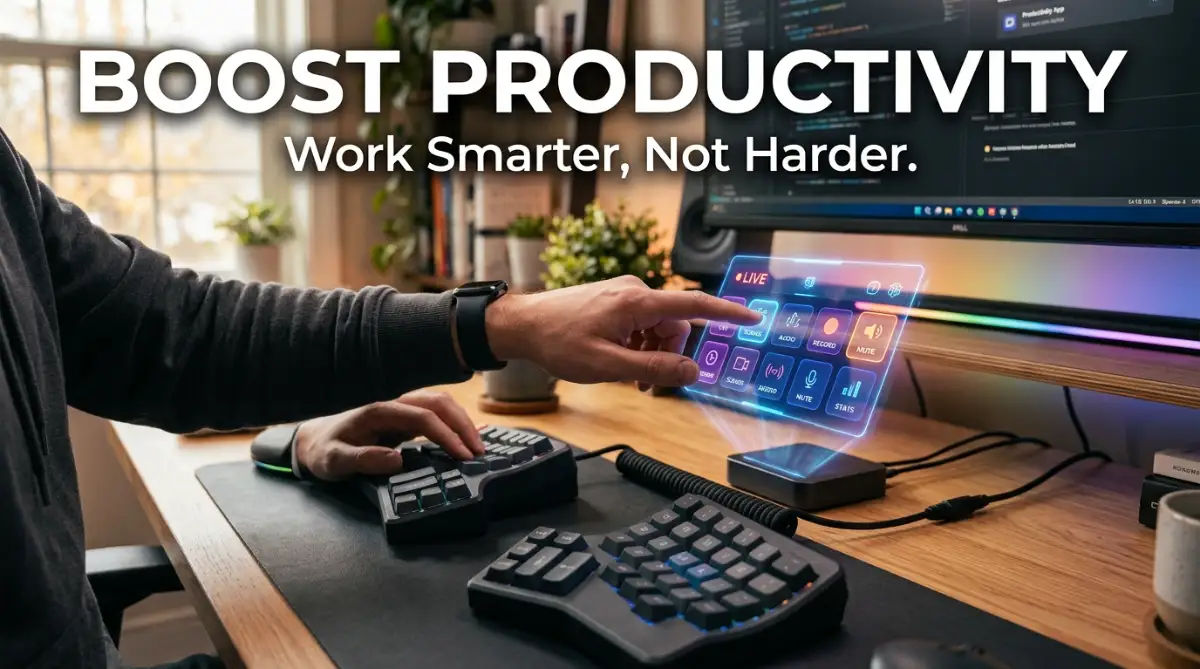
Typing on a flat, standard keyboard is a guaranteed way to ruin your wrists over time. Upgrading to a split ergonomic keyboard forces your hands into a much more natural position.
It took me a few weeks to learn how to type on it properly. However, the relief in my shoulders and forearms was completely worth the learning curve.
Pairing a good keyboard with a programmable stream deck takes things to another level. You can set up custom buttons to launch applications, mute your microphone, or run complex macros instantly.
Step 4: Streamline Your Power with GaN Chargers
Cable clutter is the enemy of a clean, focused mind. Standard charging bricks are massive, heavy, and take up way too much space on a power strip.
Gallium Nitride (GaN) chargers are significantly smaller but deliver incredibly fast power to multiple devices at once. I currently use one sleek charging station to power my laptop, phone, and headphones simultaneously.
Step 5: Embrace Spatial Audio Technology
A good pair of noise-canceling earbuds is essential for anyone working in a noisy environment. Spatial audio takes this experience further by placing sound all around you in a 3D space.
When I take client calls with spatial audio, it sounds like they are sitting right next to me in the room. This makes long virtual meetings feel much less exhausting.
Step 6: Expand Vision with Portable E-Ink Displays
Sometimes staring at bright LED monitors all day strains your eyes beyond belief. I started using a portable E-Ink display for reading long documents and reviewing code.
E-Ink mimics the look of real paper and emits zero blue light. My eye fatigue dropped noticeably within the first week of using one.
Step 7: Secure Everything with Biometric Keys
Digital security is more important today than it has ever been. Passwords get leaked constantly, leaving your sensitive work files highly vulnerable to hackers.
Physical biometric security keys require your fingerprint to unlock your accounts, adding a nearly unbreakable layer of security. Securing your digital assets is just as important as protecting your physical property when you are learning how to choose your first home insurance policy without stress.
It only takes one second to tap the key, but it provides complete peace of mind. I consider this a non-negotiable tool for any modern professional setup.
Gadget Comparison Overview
Here is a quick breakdown of the essential categories we just covered. This will help you decide where to spend your budget first.
Myth vs Reality: Tech Upgrades
- Myth: You need to spend thousands of dollars all at once to get a good setup.
- Reality: You can easily build an amazing workspace piece by piece over several months.
- Myth: Ergonomic gear is just a marketing trick to charge more money.
- Reality: Medical professionals consistently recommend ergonomic tools to prevent long-term nerve damage.
- Myth: Wireless gadgets always have terrible connection lag.
- Reality: Modern Bluetooth 5.3 and Wi-Fi 7 devices offer nearly zero latency for everyday tasks.
My Personal Pro Tip:
I highly recommend keeping a dedicated "tech upgrade jar" or savings account. Whenever I save money by cooking at home instead of eating out, I put those twenty dollars into my tech fund. Keeping my finances organized here even helped me when I was comparing federal vs private student loans. This simple habit allowed me to buy my premium ergonomic chair without feeling any financial guilt!
Long-Term Strategies for a Future-Proof Setup
Buying good gear is only the first half of the battle. You also need a long-term strategy to ensure your devices work well together for years to come.
Without a plan, you might end up with a bunch of expensive tools that refuse to communicate. Let me share some strategies I use to keep my workspace running perfectly.
The first major rule is to focus heavily on ecosystem synergy. Whether you choose Apple, Windows, or an open-source Linux environment, try to stick with accessories designed for that platform.
Mixing too many different brands often leads to software conflicts and frustrating Bluetooth connection drops. I learned this the hard way after buying a smartwatch that barely synced with my primary phone.
Another massive priority should be mastering your invisible infrastructure. I am talking about your internet speed and your local Wi-Fi network.
No matter how fast your new computer is, a weak router will bottleneck your entire system. Upgrading to a Wi-Fi 7 mesh system ensures your smart hub, your laptop, and your security cameras never drop connection.
Cable management is an ongoing process, not a one-time chore. I highly recommend using under-desk cable trays and reusable velcro ties to route everything neatly.
When your cables are organized, adding a new device takes five minutes instead of an hour. Plus, a clean space dramatically improves your mental clarity and reduces daily anxiety.
You should also look into future-proofing your physical desk structure. A solid standing desk frame with dual electric motors will last you over a decade.
Finally, remember to think about the sustainability of your tech purchases. I try to buy devices made from recycled aluminum and plastics whenever possible.
Repairability is also a massive factor to consider before swiping your credit card. Buying tools that allow you to easily swap out dead batteries will save you a fortune over the next five years.
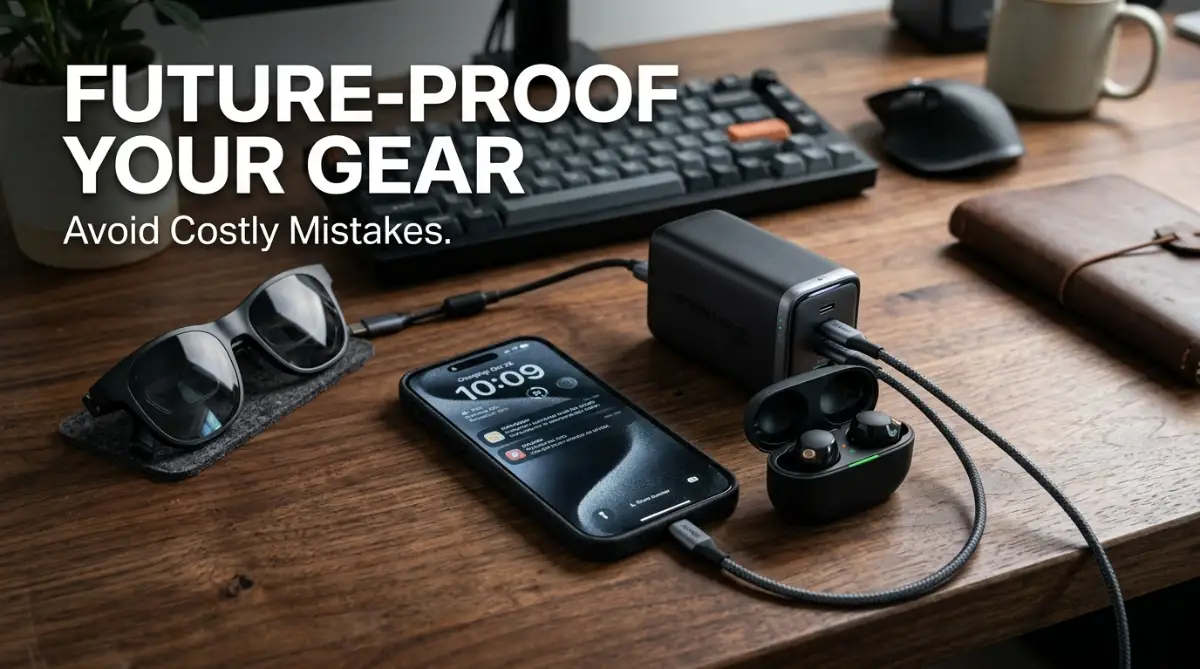
Costly Tech Mistakes You Must Avoid
I have made plenty of embarrassing mistakes while trying to build my dream workspace. Some of these errors cost me hundreds of dollars and caused a massive amount of unnecessary stress.
My biggest blunder was falling victim to "Shiny Object Syndrome." I used to buy every new tech toy I saw on social media without considering if I actually needed it.
I once bought an expensive robotic camera arm that I used exactly twice before it started gathering dust. I wasted a lot of hard-earned money trying to chase digital trends instead of solving my real problems.
Another terrible mistake was trying to save money by purchasing cheap, unbranded power adapters. I bought a knockoff charger online that eventually overheated and completely fried my primary smartphone.
That little decision to save twenty dollars ended up costing me almost a thousand dollars in hardware replacements. Wasting money on unnecessary repairs is frustrating, especially if you are actively researching how to improve your credit score before applying for a mortgage.
I also deeply regret ignoring my body's warning signs for so long. I used a terrible dining room chair for two years because I thought ergonomic chairs were just overpriced luxury items.
By the third year, I had to spend a small fortune on physical therapy to fix my lower back pain. If an item directly impacts your physical health, you should always buy the best quality you can afford.
Lastly, do not forget about your lighting setup. Relying solely on harsh overhead room lights gave me terrible migraines by the end of the workweek.
Adding bias lighting behind my monitor and a warm desk lamp completely cured my daily headaches. Proper lighting is arguably the cheapest way to make your desk feel like a premium environment.
Wrapping Up My Tech Journey
Building a workspace that you actually love requires patience, planning, and a little bit of trial and error. By choosing reliable, high-quality gadgets, you can completely transform your daily routine into something smooth and enjoyable.
You do not have to buy everything on this list right away. Just pick one area of your workflow that frustrates you the most and upgrade that specific tool first.
I really hope my experiences help you avoid the expensive mistakes I made along the way. I can confidently say that taking the time to perfect my setup was one of the best investments I ever made for my career.
Frequently Asked Questions
What are the best next-gen gadgets for a home office?
The best tools focus on health and efficiency, like ergonomic split keyboards and AI-powered smart hubs. You should also consider GaN chargers to keep your desk free of messy cables. Portable E-Ink displays are incredible for reducing daily eye strain.
Are smart rings better than smartwatches?
Smart rings are perfect for people who want accurate health data without dealing with another distracting screen. They are incredibly lightweight, making them much more comfortable to wear while sleeping. However, if you need to read notifications on your wrist, a smartwatch is still the better choice.
How much should I spend on an ergonomic setup?
You should prioritize your budget on a high-quality chair and a good standing desk first. Expect to spend around $300 to $600 for a reliable ergonomic foundation. Investing this money now will save you thousands of dollars in medical bills down the road.
What is a GaN charger and do I need one?
GaN stands for Gallium Nitride, a modern material that allows chargers to be much smaller and cooler than standard silicon chargers. They can charge multiple high-power devices simultaneously from one small brick. Yes, they are highly recommended for anyone looking to declutter their workspace.
Why is bias lighting important for a desk setup?
Bias lighting involves placing a soft light source behind your computer monitor. This reduces the harsh contrast between your bright screen and the dark room around you. It is a proven method to significantly lower eye fatigue during long working hours.
Disclaimer: Tech prices and product availability are subject to change over time. Always verify compatibility with your existing devices and consult hardware specifications before making a final purchase.