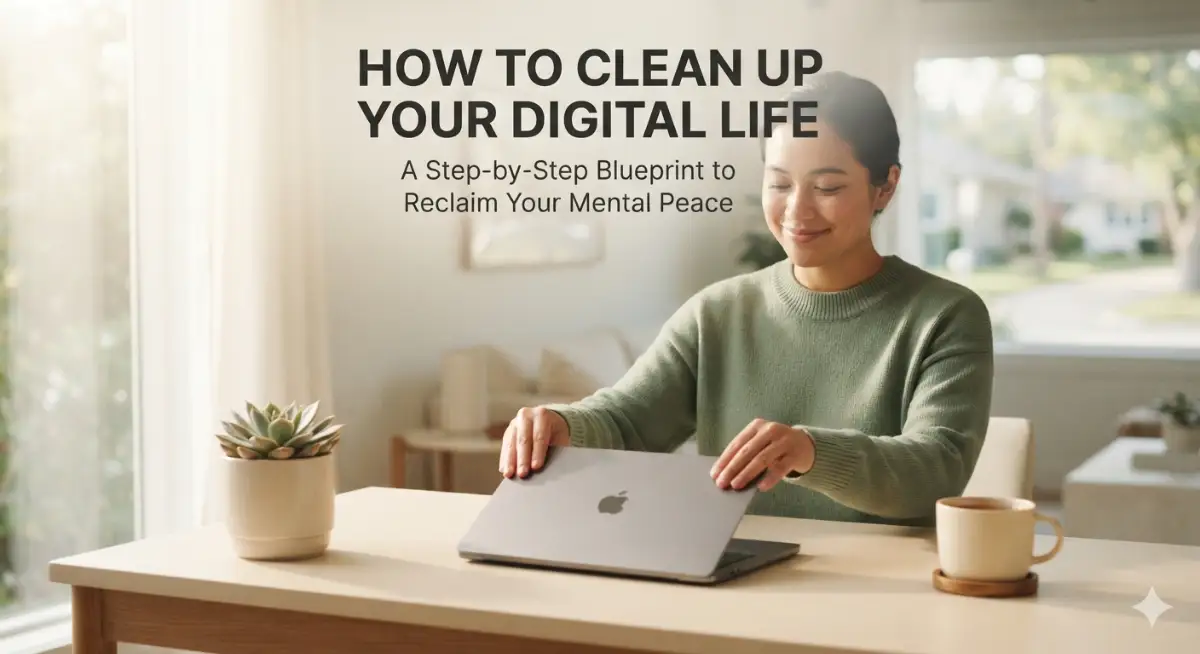
The Hidden Weight of Digital Clutter and How I Reclaimed My Focus
I still remember sitting in my living room late one Sunday evening, staring at my smartphone with a sense of pure exhaustion. My lock screen was covered in thirty red notification bubbles, my email inbox had thousands of unread messages, and my desktop looked like a digital junkyard. I felt completely overwhelmed, irritable, and unable to focus on a single meaningful task for more than two minutes. Every ping, chime, and flashing banner pulled at my attention, leaving me feeling constantly behind on my life. That frustrating night forced me to put my phone in another room and write down every digital account, app, and device I owned. I realized that my mental fatigue was not coming from my job, but from the endless pile of unorganized digital clutter I carried in my pocket.
Living with constant digital noise creates a quiet, heavy pressure that stays with you from the moment you wake up. You reach for your phone before your feet even touch the floor, scrolling through news updates, social media posts, and unread messages.
Every unread email badge and random app alert acts like a tiny open tab in your brain that drains your energy. Millions of people live in this exact state of chronic digital fatigue without realizing why they feel so stressed.
It steals your ability to enjoy quiet family dinners, ruins your reading time, and keeps your mind racing when you try to fall asleep. You constantly feel like you are reacting to other people's priorities instead of building your own life.
You deserve to use modern technology as a helpful tool rather than letting it control your thoughts and peace of mind. The truth is that you do not need to throw away your devices or live off the grid to fix this problem.
By making simple, intentional adjustments to your digital habits, you can clear the noise and regain your focus very quickly.Tired of watching your grocery bill skyrocket every time you visit the supermarket? Discover practical, no-coupon strategies to slash your food costs in half, beat inflation, and nourish your family with wholesome meals without breaking the bank.
Mapping Your Digital Footprint to Identify Hidden Stress Points
Most people assume that digital decluttering requires deleting every social media profile or throwing away old hardware. That extreme approach rarely lasts because technology is essential for modern work, education, and communication.
The real secret to cleaning up your digital environment lies in finding small areas of friction that accumulate daily stress. You are likely holding onto thousands of old files, unread newsletters, and unused mobile apps that serve zero purpose.
When you systematically audit and clean these digital spaces, your mental clarity improves immediately.
Digital Decluttering Action Plan Table
Silencing Phone Notifications to Protect Your Peace
Push notifications are designed by software engineers to capture your attention and keep you coming back to your screen. Every time your phone lights up or vibrates, your brain receives a small spike of stress that breaks your concentration.
Turning off non-essential push notifications is the fastest way to protect your daily peace of mind. You only need instant alerts for direct phone calls and text messages from close family members or work contacts.
Go into your mobile settings and turn off notification permissions for social media apps, news outlets, shopping games, and sports apps. You can also disable the little red badge icons that show unread counts over app symbols.
Without constant visual reminders pulling at your eyes, you decide when to open an app based on your own schedule. This single tweak eliminates dozens of daily distractions without costing a single penny.
When organizing your personal life and setting long-term goals, reducing fixed financial worries is just as important as clearing digital noise. If you are balancing household budgeting or planning major milestone steps, explore our guide on how to choose your first home insurance policy to ensure your property is protected without creating unnecessary financial strain.
Tackling Inbox Chaos with the Bulk Unsubscribe Strategy
An overflowing email inbox is one of the biggest sources of daily background anxiety for working adults. Opening your email app to find five thousand unread messages creates a sense of helplessness before your workday even begins.
Most of those incoming messages are automated marketing emails, sales announcements, and daily newsletters you signed up for months ago.
Spend fifteen minutes searching your inbox for the word "unsubscribe" using the search bar in your email client. Use the built-in unsubscribe link at the bottom of these promotional emails to stop future mailings instantly.
Organizing your digital life also means structuring your major life commitments wisely so you do not carry unnecessary worry. If you or your family members are evaluating higher education options without piling on massive debt, review our guide on best community colleges in the USA for affordable education to cut tuition costs significantly.
Watch this helpful video guide to see practical digital wellness and decluttering steps you can use today:
Myth vs. Reality: The Truth About Digital Decluttering
- Myth: You must completely delete all social media accounts to clean up your digital life.
- Reality: You just need to curate your feed, unfollow negative accounts, and turn off push alerts to regain mental calm.
- Myth: Keeping thousands of unread emails does not affect your brain as long as you ignore them.
- Reality: Visual clutter creates subconscious mental fatigue every single time you open your email app.
- Myth: Digital decluttering takes dozens of hours of complex technical work.
- Reality: Taking ten minutes a day to clear one specific digital space creates massive improvement within two weeks.
My Personal Pro Tip
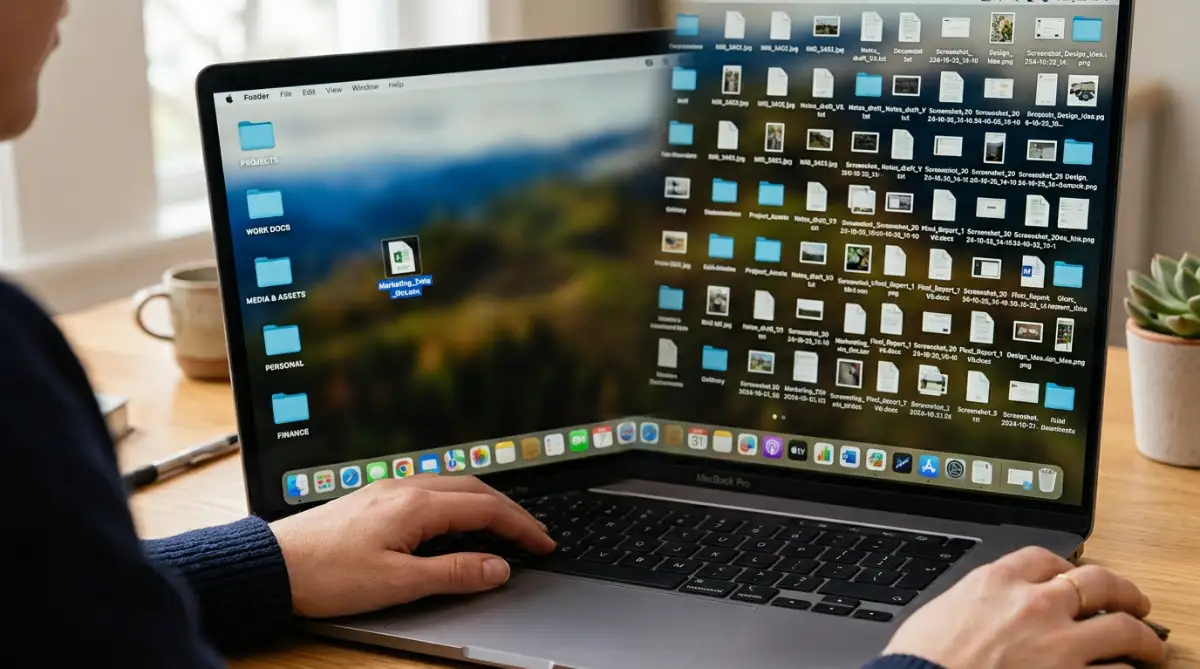
My biggest digital mistake two years ago was saving every downloaded PDF, screenshot, and work document directly onto my laptop desktop. Within six months, my screen was completely covered in icons, making it impossible to find anything quickly. I wasted several minutes every day searching for important files while feeling an instant spike of frustration every time I opened my laptop. I finally created four simple main folders called Work, Personal, Finances, and Archive, moving every scattered file into them. Clearing my desktop screen gave me an instant feeling of calm and saved me hours of lost time every month.
Organizing Your Computer Files and Cloud Storage
A messy computer file system acts like a messy physical desk, slowing down your work and causing frustration. When your files are scattered across your downloads folder, desktop, and documents folder, retrieving information becomes painful.
Creating a simple, logical folder structure allows you to find any document in less than ten seconds.
Start by clearing out your downloads folder, which is usually filled with temporary files and installer packages. Move important tax records, receipts, and personal documents into a secure cloud storage folder with clear folder names.
If you manage a small business or freelance creative work alongside your personal projects, keeping your online systems simple is key. Read our guide on easy AI website builders for small businesses to build a streamlined, low-maintenance online presence without technical stress.

Streamlining Your Digital Financial Life for Total Peace
Managing multiple bank accounts, credit cards, and loan portals across different websites creates unnecessary administrative headache every month. When your bills are scattered across different platforms with different due dates, you risk missing payments and paying late fees.
Consolidating your financial accounts and setting up automatic bill pay removes a massive burden from your mind.
If you have student loans as part of your monthly financial landscape, organizing those accounts properly reduces long-term debt anxiety. Explore our detailed breakdown on federal vs private student loans: how to choose wisely to learn how repayment terms and refinancing impact your monthly budget.
Cleaning Up Your Smartphone Home Screen for Instant Focus
Your smartphone home screen is prime real estate that directly influences your mood every time you unlock your device. Filling your main screen with news apps, social media feeds, and mobile games invites endless mindless scrolling.
Rearranging your home screen so it only displays functional tools helps you use your phone with clear purpose.
Move essential utility apps like maps, calendar, camera, and weather to your primary home screen. Move social media, entertainment, and shopping apps to a secondary screen or hide them inside an app library folder.
Costly Blunders That Destroy Your Digital Declutter Progress
- Deleting Files Without Backups: Wiping out old folders without checking contents can destroy important tax receipts or family photos. Always create a full backup on an external hard drive first.
- Using Weak Passwords: Reusing simple passwords across accounts leaves you vulnerable to cyber attacks. Use a password manager and enable two-factor authentication.
- Over-Complicating Your System: Building a complex system with nested folders and color codes fails quickly. Keep categories broad and maintenance simple.
Taking care of your long-term financial health requires the same step-by-step organization as cleaning up your digital files. If you are planning to purchase a home or refinance property, read our guide on how to improve your credit score before applying for a mortgage to ensure you secure the best interest rates available.
Your Action Plan for Lasting Digital Peace
Cleaning up your digital life is not a one-time weekend project; it is a gentle habit that protects your focus for years to come. You do not need to fix every device and account in a single afternoon.
Start by picking one small area from this guide, like turning off push notifications or clearing your mobile home screen today. Once that small change feels natural and comfortable, pick another digital space to organize next week.
In my own journey toward digital simplicity, I found that turning off phone alerts and clearing my desktop gave me back hours of quiet time every week. I encourage you to take one small step today, silence your phone alerts, and enjoy the calm focus you deserve.
Frequently Asked Questions About Digital Decluttering
How long does it take to clean up a cluttered digital life?
You can make a massive difference in your daily stress levels in just one or two hours by focusing on your phone notifications and email inbox first. Complete digital organization usually takes a few short sessions spread over two weeks as you systematically clean up folders and accounts.
Will turning off notifications cause me to miss important messages?
No, because you can leave direct phone calls and text alerts enabled for close family members or urgent work contacts. Turning off alerts for social media, news apps, and games simply stops unnecessary distractions while leaving important communication open.
How often should I perform a digital declutter of my devices?
Performing a quick five-minute cleanup of your downloads folder and phone photos once a week keeps your devices running smoothly. A full review of your subscriptions, folder backups, and email filters once every three months keeps digital noise away permanently.
What is the best way to handle an inbox with thousands of unread emails?
The fastest method is using a bulk unsubscribe strategy for marketing emails, then archiving all messages older than thirty days into a single "Archive" folder. This clears your active inbox immediately without permanently deleting any old records you might need later.
How do I stop myself from constantly checking my phone out of habit?
Moving distracting social media and news apps off your primary home screen into secondary folders creates a physical barrier that stops automatic scrolling. Keeping your phone in another room while sleeping or working also breaks the habit naturally.
General Content Disclaimer
The information provided in this article is for educational, informational, and general consumer guidance only and does not constitute formal medical, psychological, legal, or technical advice. Individual stress levels, digital workflow needs, and personal security preferences vary based on personal circumstances, workplace policies, and device specifications. Readers are strongly urged to verify their data backup security, account recovery settings, and personal workflow requirements before making major digital account modifications.