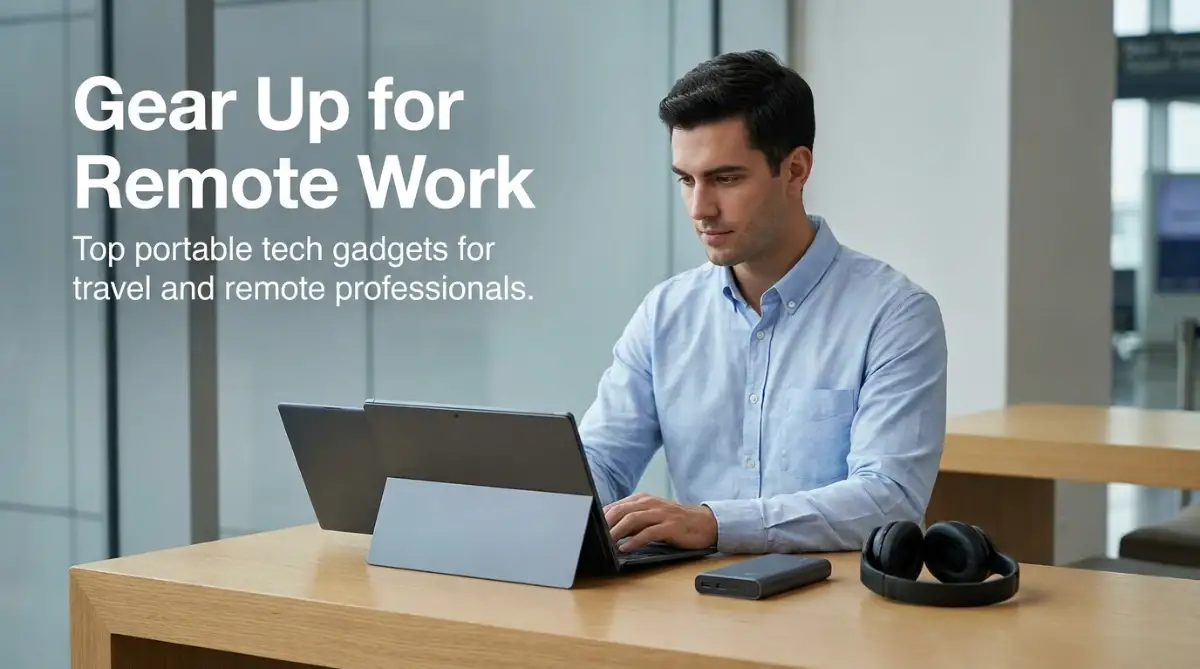
Top Portable Tech Gadgets for Travel and Remote Work: The Complete Mobile Setup Guide
Working on the go offers incredible freedom, but relying on a bare laptop in cafes or airports can quickly lead to neck strain, dead batteries, and dropped connections. Building a lightweight mobile workstation with portable USB-C monitors, compact GaN fast chargers, and secure travel routers keeps your productivity high anywhere in the world. This comprehensive guide breaks down the best travel tech gear to help you work comfortably, protect your data, and travel light.
Section 1: The Remote Work Reality and My Costly Travel Wake-Up Call
Two years ago, I took my first month-long trip as a remote consultant, convinced that tossing a laptop into my backpack was all I needed to stay productive on the road. Within my first week traveling across three states, I was dealing with severe neck cramps from hunching over low coffee shop tables and scrambling to find wall outlets in crowded airport terminals. My breaking point arrived during an urgent client video call when my laptop battery died abruptly, and my public hotel Wi-Fi connection dropped my presentation in front of the executive board.
That embarrassing experience taught me that working on the go without the right gear is a recipe for physical burnout and professional disaster. I stopped treating travel tech like an afterthought and invested in a dedicated mobile kit: a lightweight folding stand, an ultra-thin portable display, a pocket hardware VPN router, and a 100W GaN charger. That single gear upgrade transformed my travel workflow completely, allowing me to build a high-performance office on any desk or airport bench in less than two minutes.
The world of remote work has shifted permanently over the past few years. Millions of professionals, digital creators, consultants, and developers now work from hotels, co-working spaces, and cafes worldwide.
However, working on the move presents daily technological roadblocks. Dead device batteries, noisy environments, bad posture, and unsecured public Wi-Fi networks can easily derail your work output.
Building a dependable mobile workstation does not require hauling heavy suitcases of equipment. A curated setup of lightweight, durable accessories allows you to maintain desktop-level productivity wherever you travel.
Let us look at the most reliable portable gadgets that keep your workflow fast, comfortable, and completely secure on the road.
Section 2: Portable Dual Screens, Ergonomic Stands, and Travel Power
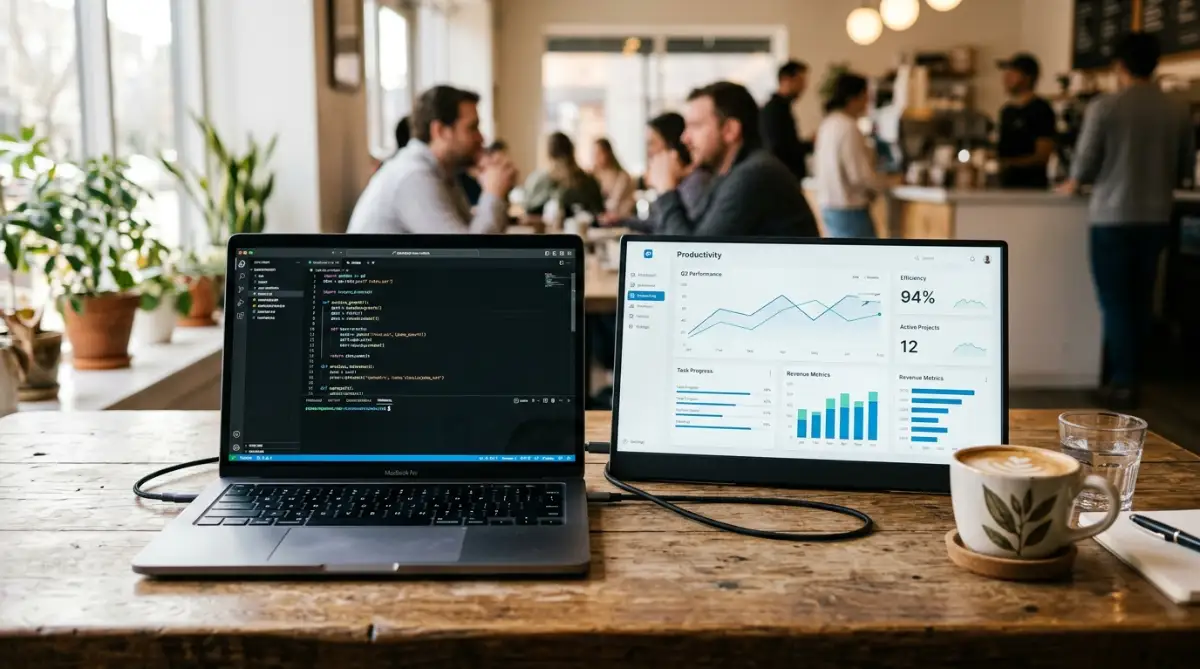
The foundation of an effective mobile office is replicating the comfort and multi-screen speed of a traditional desk. Portable USB-C monitors and compact folding stands eliminate physical strain while doubling your digital workspace.
Pairing these displays with lightweight Gallium Nitride (GaN) power adapters ensures you never run out of battery during client deadlines.
Travel Tech Myths vs Reality
- Myth: Carrying a second monitor adds excessive weight and requires a separate power brick.
- Reality: Modern portable IPS displays weigh under 1.5 pounds and draw power directly from your laptop using a single USB-C cable.
- Myth: Any large power bank can be brought on a commercial flight.
- Reality: The FAA and TSA enforce a strict 100-Watt-hour limit (roughly 27,000mAh) on lithium batteries in carry-on bags.
My Personal Pro Tip: Whenever I set up my mobile office in a hotel or airport, I plug a compact hardware travel router directly into the room Ethernet jack or bridge the public Wi-Fi. This creates a private, encrypted Wi-Fi network that automatically connects all my devices without forcing me to log into hotel captive portals individually.
Watch this video guide to discover top portable travel gadgets and mobile workstation gear:
If you run a remote digital business or freelance service while traveling, you can quickly build a client portal using easy AI website builders for small businesses without coding headaches.
Section 3: Advanced Network Security, Portable Storage, and Travel Ergonomics
Public Wi-Fi networks in boutique hotels, airports, and coffee shops pose significant security hazards. Open networks leave your confidential login details and financial information exposed to local network eavesdropping.
A pocket travel router running a hardware-level WireGuard or OpenVPN tunnel encrypts every byte of data leaving your devices. It acts as an unbreachable barrier between your laptop and risky public networks, keeping your client communications completely private.
International connectivity has also become effortless thanks to digital eSIM technology. Instead of searching for physical plastic SIM card kiosks in international airport terminals, you can download local 5G data plans directly to your smartphone before your flight lands.
Students managing online coursework while traveling can look into the best community colleges in the USA for affordable education to balance academic goals with mobile flexibility.
Audio clarity is another essential factor when working in bustling public spaces. Active noise-canceling headphones with beamforming microphones filter out background airport announcements, letting you host professional Zoom meetings from anywhere.
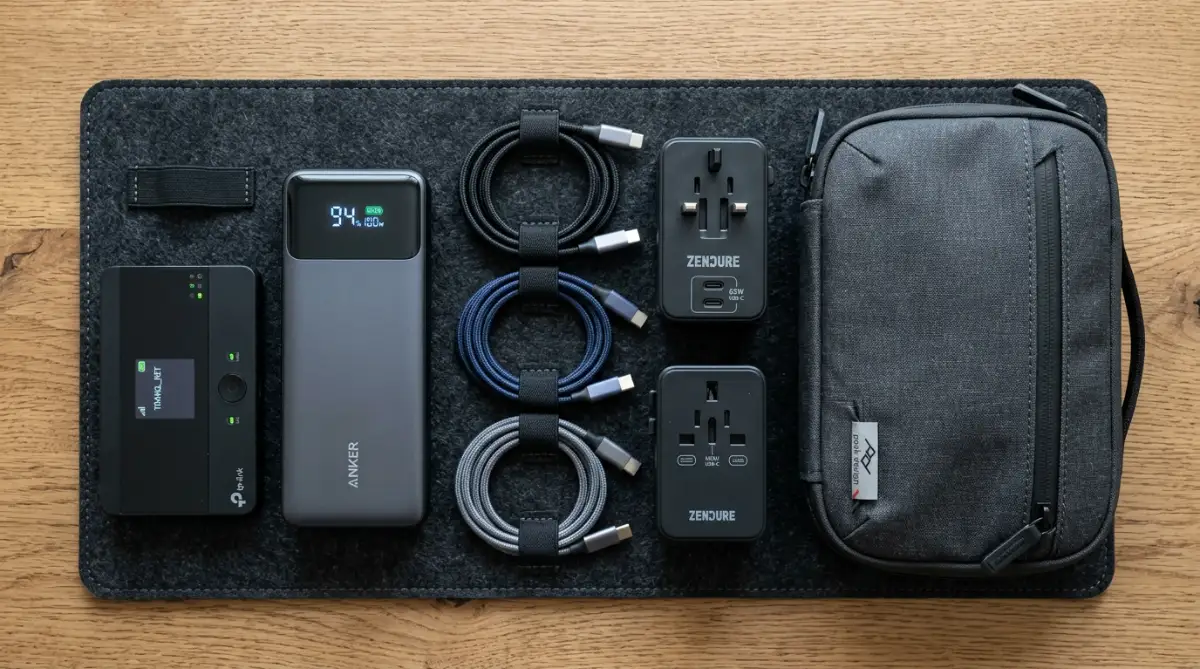
To keep all these accessories organized, use a water-resistant tech pouch with elastic loops and padded dividers. Keeping your cables, flash drives, and GaN adapters in one case prevents tangled cords and protects delicate connection pins from bending.
Managing your mobile gear responsibly helps you avoid debt and build lasting financial stability. If you are balancing travel hardware expenses with education planning, compare federal vs private student loans to choose wisely and keep your personal budget balanced.
Section 4: Common Mistakes and Pitfalls to Avoid
One major error is packing a power bank that exceeds the legal airline capacity limit. Security checkpoints will confiscate any lithium battery exceeding 100 Watt-hours without special airline pre-approval.
Always verify the Watt-hour rating printed on your battery casing before heading to the airport. Sticking to 20,000mAh or 24,000mAh battery packs ensures smooth passage through all domestic and international security checkpoints.
Another frequent mistake is relying on low-wattage smartphone chargers to power an ultrabook laptop. Using an underpowered charger leads to slow charging, battery drain during heavy tasks, and excessive adapter heat.
Always carry a GaN wall charger rated for at least 65W to 100W with dynamic power allocation. This guarantees your laptop, phone, and tablet charge safely at full speed from a single outlet.
Never pack a bare laptop and loose metal cables directly into an overstuffed travel bag. Sharp charger prongs and heavy water bottles can press against the laptop lid, cracking the display during transit.
As you build an active mobile lifestyle and secure valuable tech gear, discover how to choose your first home insurance policy without stress to safeguard all your belongings.
Section 5: Final Summary and Your Mobile Setup Plan
Working remotely while traveling offers unmatched personal freedom when supported by a dependable mobile workstation. By packing lightweight dual screens, compact GaN power bricks, secure travel routers, and noise-canceling audio, you can turn any location into an efficient office.
I know how much my daily focus and physical comfort improved once I built a dedicated mobile tech kit. Taking the time to choose durable, travel-tested accessories will protect your health, secure your data, and make remote work genuinely enjoyable wherever you go.
Your 6-Step Digital Nomad Packing Checklist
- Step 1: Pack an Eye-Level Stand: Use a lightweight folding stand to keep your laptop display at eye level.
- Step 2: Add a Portable USB-C Monitor: Double your workspace with a thin, single-cable portable monitor.
- Step 3: Use a 100W GaN Wall Adapter: Replace multiple heavy chargers with one compact multi-port fast charger.
- Step 4: Pack a TSA-Approved Power Bank: Carry a 20,000mAh battery pack rated under 100Wh for off-grid laptop power.
- Step 5: Secure a Pocket Travel Router: Encrypt public hotel and cafe Wi-Fi networks with built-in hardware VPN protection.
- Step 6: Organize with a Padded Tech Pouch: Store cables, adapters, and dongles neatly in a water-resistant case.
Section 6: Internal Links Integration Check
- easy AI website builders for small businesses - Integrated naturally in Section 2 regarding remote business portals.
- best community colleges in the USA for affordable education - Integrated naturally in Section 3 regarding mobile student budgeting.
- federal vs private student loans to choose wisely - Integrated naturally in Section 3 regarding personal finance planning.
- how to choose your first home insurance policy without stress - Integrated naturally in Section 4 regarding property and tech asset protection.
Section 7: Frequently Asked Questions
Can I power a portable monitor directly from my laptop battery?
Yes, most portable USB-C monitors draw low power directly through a single USB-C cable from your laptop. Connecting your laptop to a wall charger keeps both screens powered during long working sessions.
How does a pocket travel router keep my data safe on hotel Wi-Fi?
A travel router creates a private local Wi-Fi network and routes all traffic through an encrypted VPN tunnel. This prevents other users on the shared hotel network from intercepting your sensitive data.
What is the maximum power bank capacity allowed on commercial flights?
The TSA and FAA permit power banks with capacities up to 100 Watt-hours (approximately 27,000mAh) in carry-on bags. Larger batteries between 101 and 160 Watt-hours require airline pre-approval.
Why are GaN travel chargers better than traditional power adapters?
Gallium Nitride chargers run cooler and transfer power more efficiently than older silicon bricks. This allows manufacturers to build compact multi-port chargers that take up half the space in your bag.
Do I need a separate mouse and keyboard when using a laptop stand?
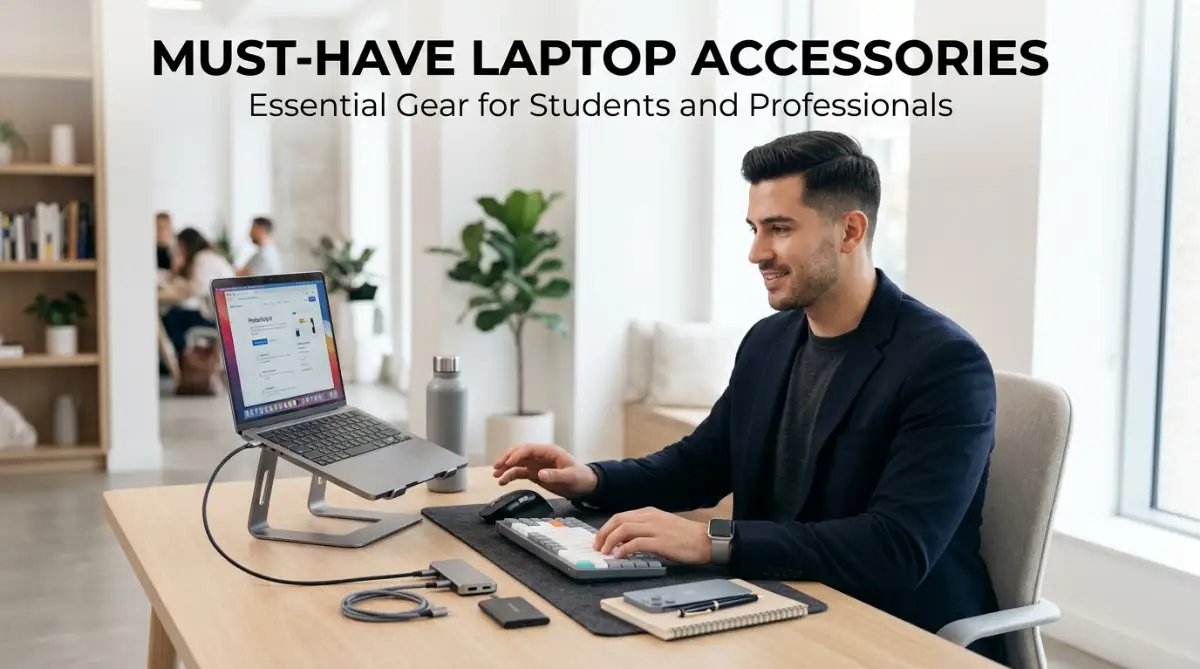
Yes, elevating your laptop on a stand makes typing on the built-in keyboard awkward and uncomfortable. Using a separate wireless keyboard and mouse keeps your arms resting naturally on the desk surface.
Section 8: Professional Disclaimer
Tech & Travel Hardware Disclaimer: The information provided in this guide is for educational, informational, and general consumer technical guidance only. Device compatibility, power output specifications, TSA airline guidelines, and network security protocols vary by manufacturer, airline, and local jurisdiction. Always verify your specific hardware power ratings and airline battery guidelines before traveling.